> ## Documentation Index
> Fetch the complete documentation index at: https://docs.keywordsai.co/llms.txt
> Use this file to discover all available pages before exploring further.
# Sharing
> Share a log with your team
## Share a single log
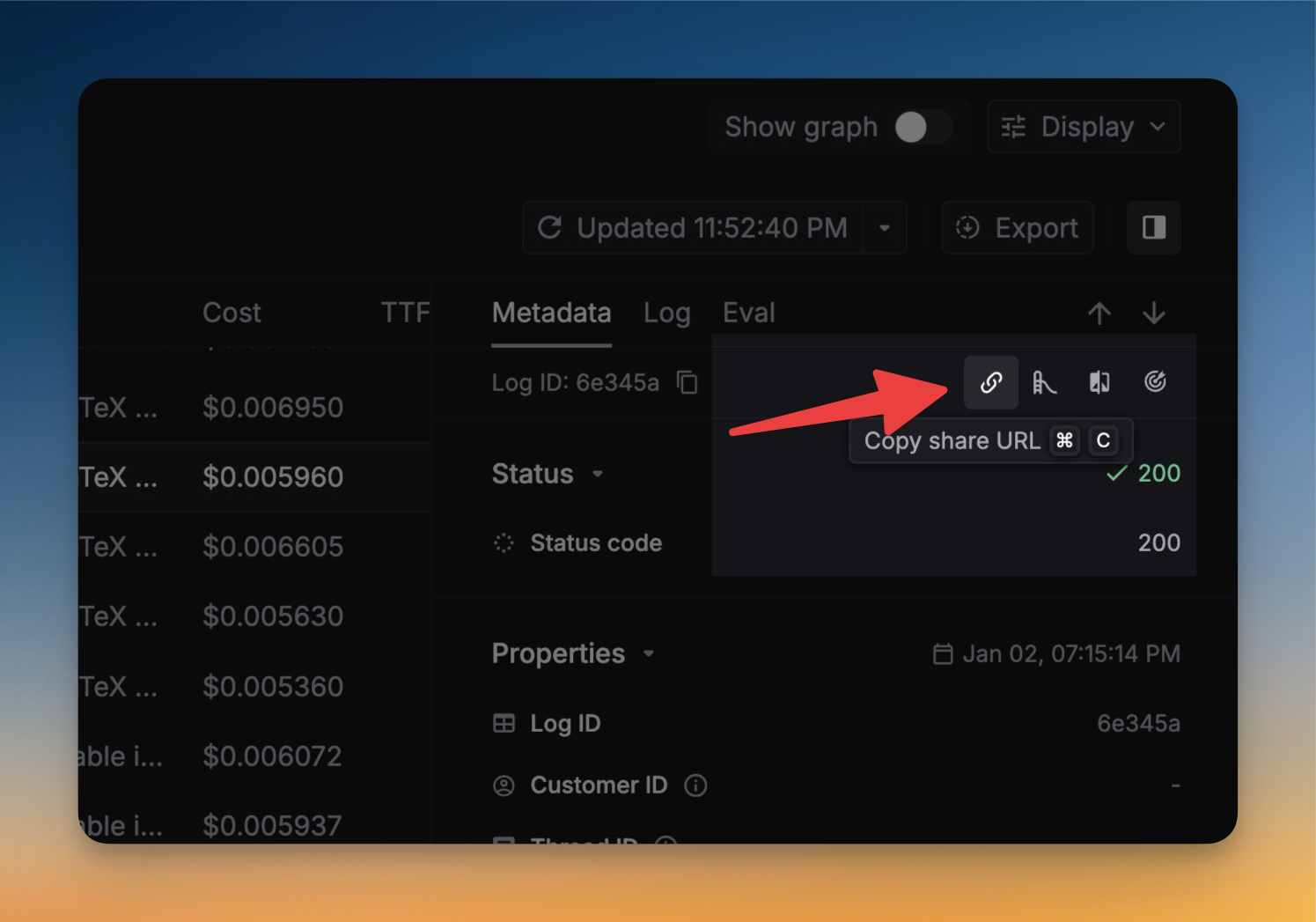
In Keywords AI, you can share a log with your team. This will help you to collaborate with your team and improve the quality of your LLM outputs.
Just click the log you want to share, and then click the `Share` button in the side panel.
 ## Share a filter view
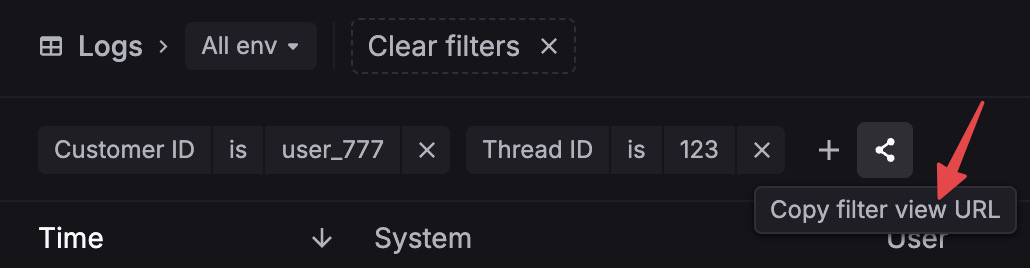
You can also share a filter view. This will help you to share a view of logs that match a certain filter.
Just click the filter you want to share, and then click the `Share` button next to filters.
## Share a filter view
You can also share a filter view. This will help you to share a view of logs that match a certain filter.
Just click the filter you want to share, and then click the `Share` button next to filters.