> ## Documentation Index
> Fetch the complete documentation index at: https://docs.keywordsai.co/llms.txt
> Use this file to discover all available pages before exploring further.
# Alerts & Warnings
> Subscribe to system status and get notified when an LLM outage is detected.
Keywords AI's Alerts and Warnings system enables real-time monitoring of your application's status. Receive instant email notifications for LLM outages and monitor warning logs through our dashboard.
## Subscribe to alerts
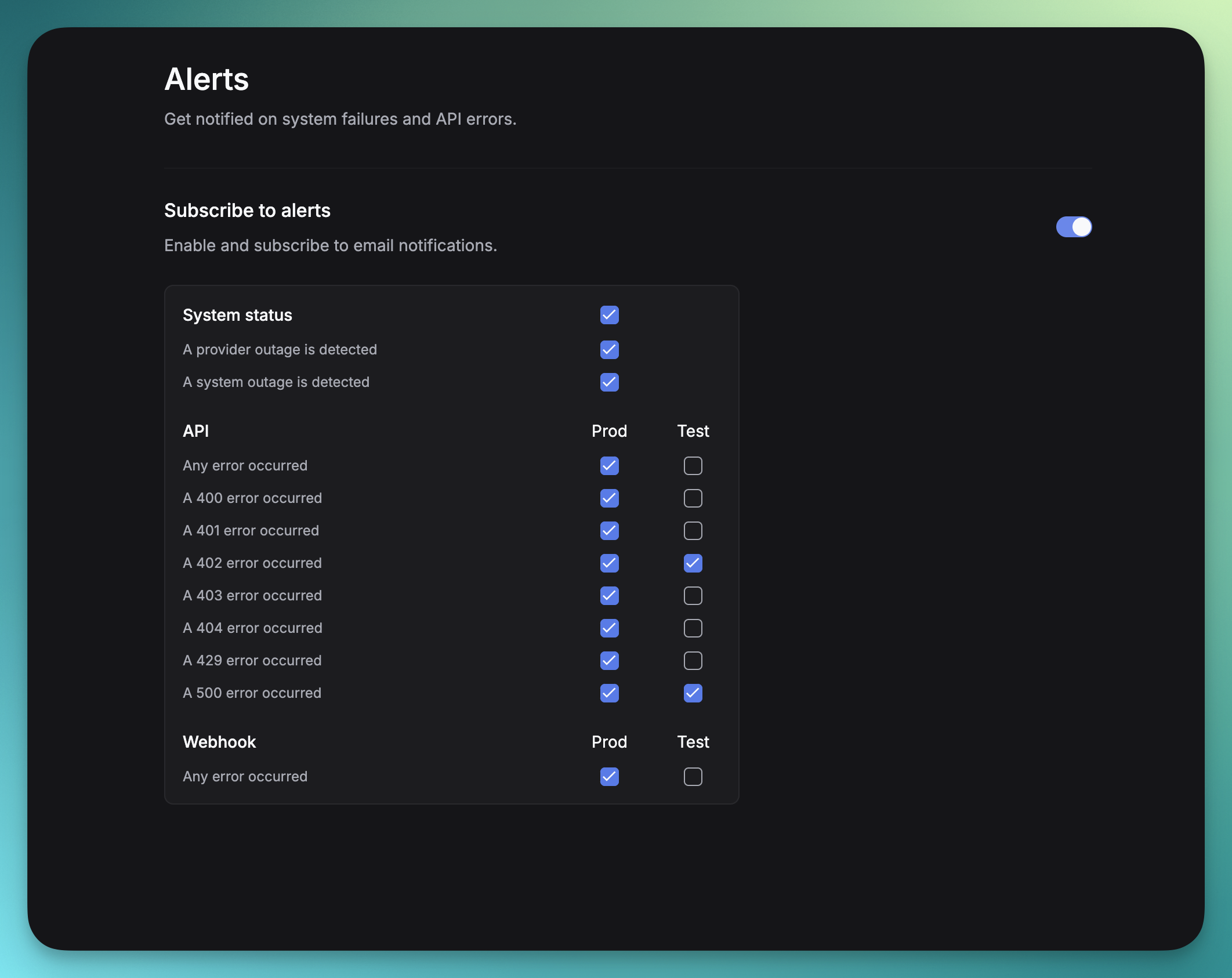
To manage your alert preferences, navigate to [Alerts](https://platform.keywordsai.co/platform/alerts-and-warnings). You can toggle notifications and select specific alerts you wish to receive.
 ## Warnings
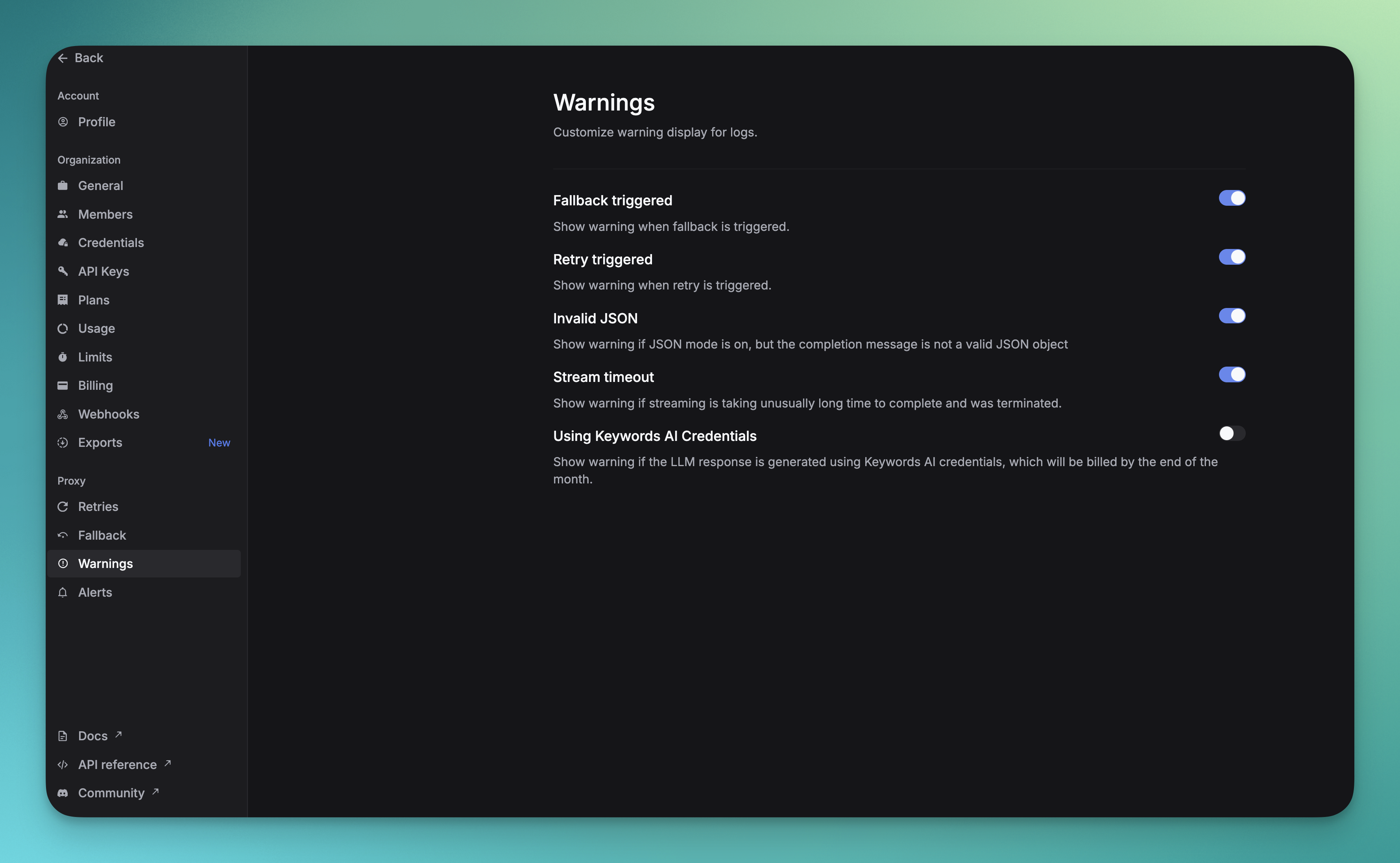
[Warnings](https://platform.keywordsai.co/platform/alerts-and-warnings/warnings) shows all configured warnings that appear in Logs. You can customize which warnings are displayed.
## Warnings
[Warnings](https://platform.keywordsai.co/platform/alerts-and-warnings/warnings) shows all configured warnings that appear in Logs. You can customize which warnings are displayed.
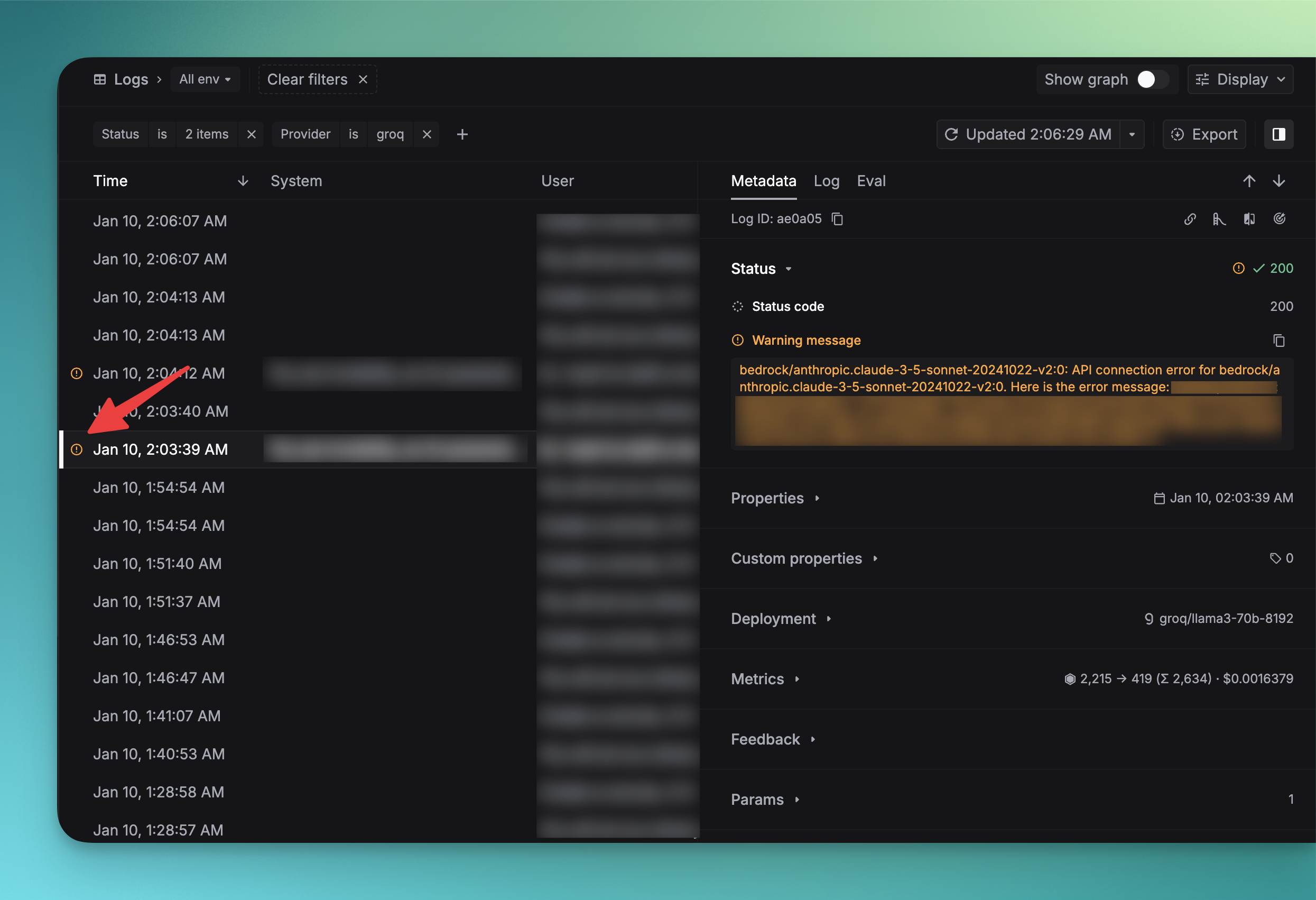
 After configuring your warnings, they will be visible on Logs.
 ## Keywords AI Status
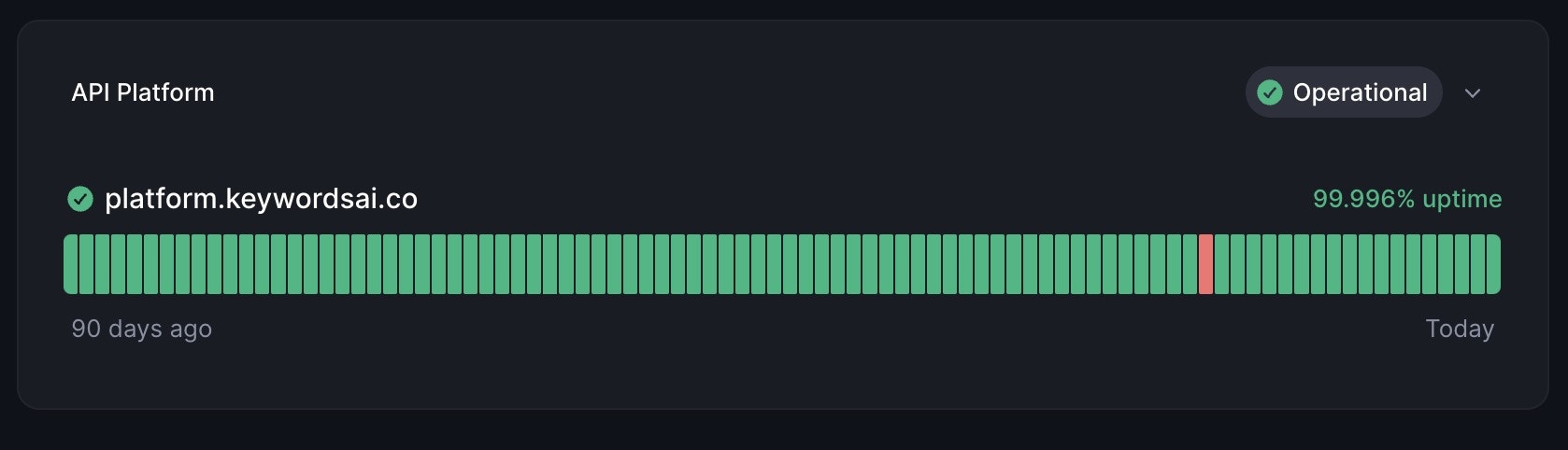
Track Keywords AI's service uptime on our [Better Stack](https://status.keywordsai.co/) status page.
## Keywords AI Status
Track Keywords AI's service uptime on our [Better Stack](https://status.keywordsai.co/) status page.