> ## Documentation Index
> Fetch the complete documentation index at: https://docs.keywordsai.co/llms.txt
> Use this file to discover all available pages before exploring further.
# Team collaboration
> Collaborate with your team on prompts.
## Overview
Team collaboration in prompt management enables multiple team members to jointly create, edit, and optimize prompts in a shared workspace. It provides a shared workspace for collective prompt development, ensuring consistency and quality across all AI interactions.
## Why team collaboration
* **Visibility**: Clear tracking of who is working on which prompts
* **Communication**: Direct feedback and discussions about prompt improvements
## Quickstart
### Share prompts
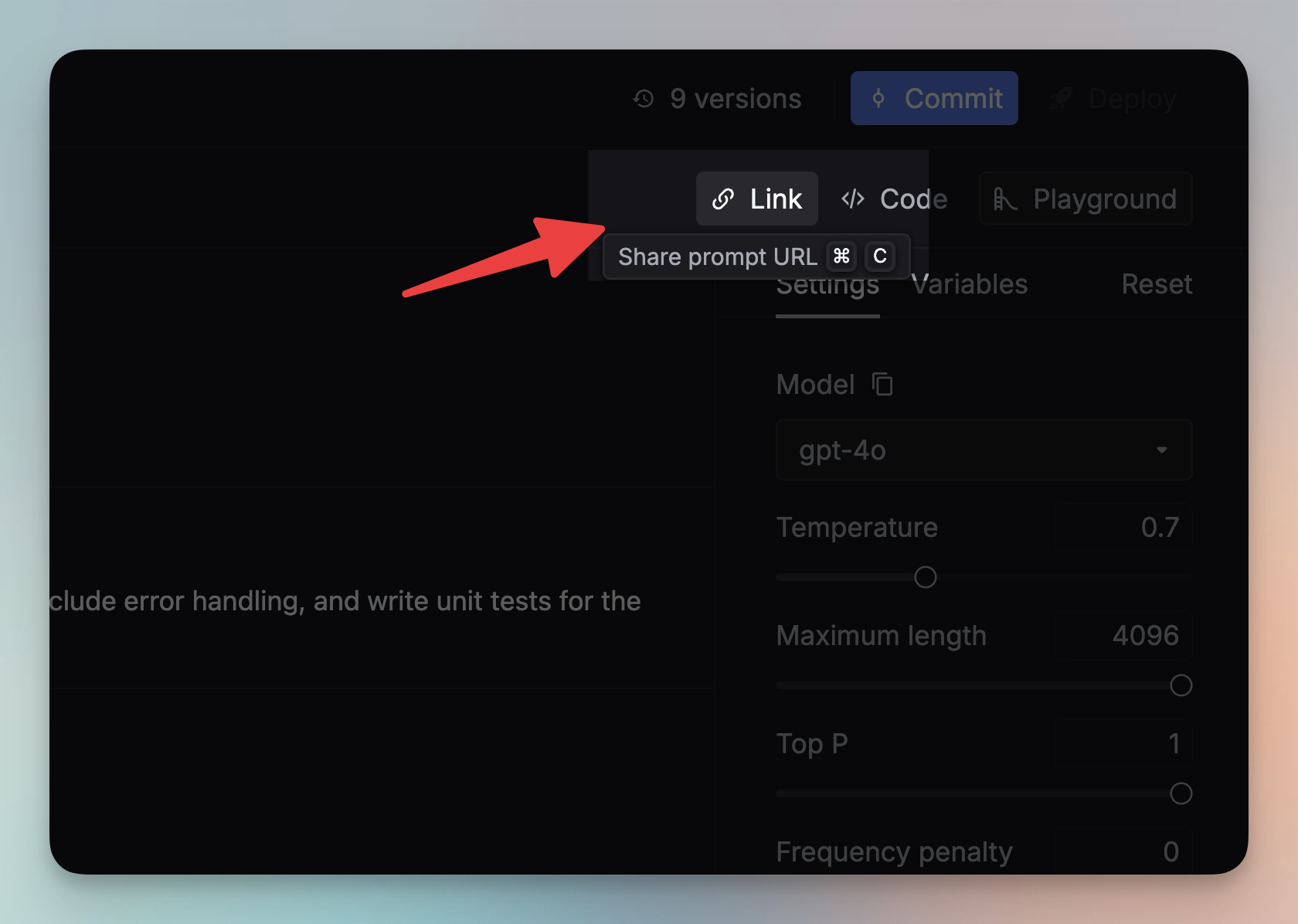
You can share a prompt with your team by clicking the `Link` button on the Editor panel.
 ### Comments
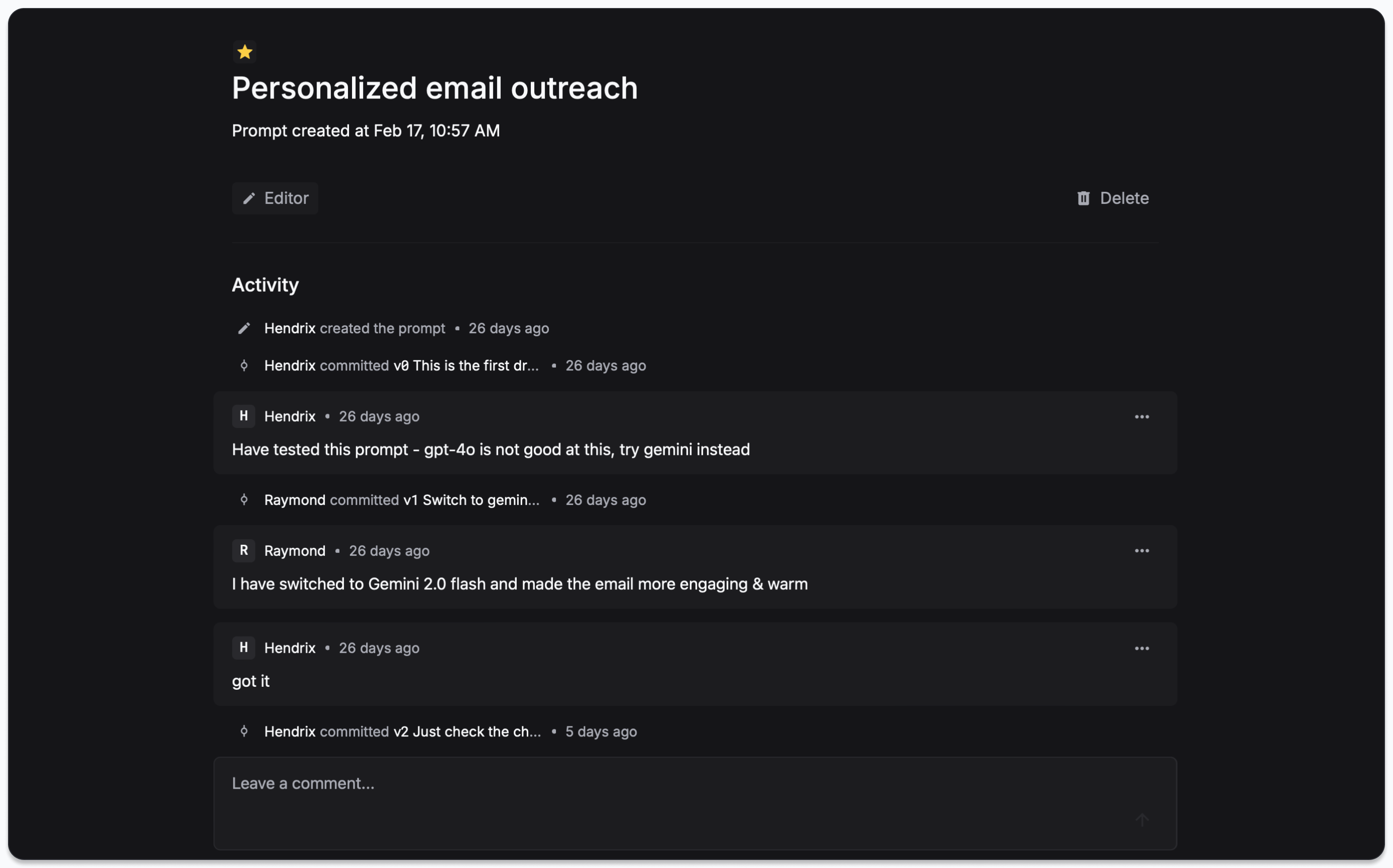
You can add comments to a prompt to discuss the changes you want to make.
### Comments
You can add comments to a prompt to discuss the changes you want to make.
 ### Labels
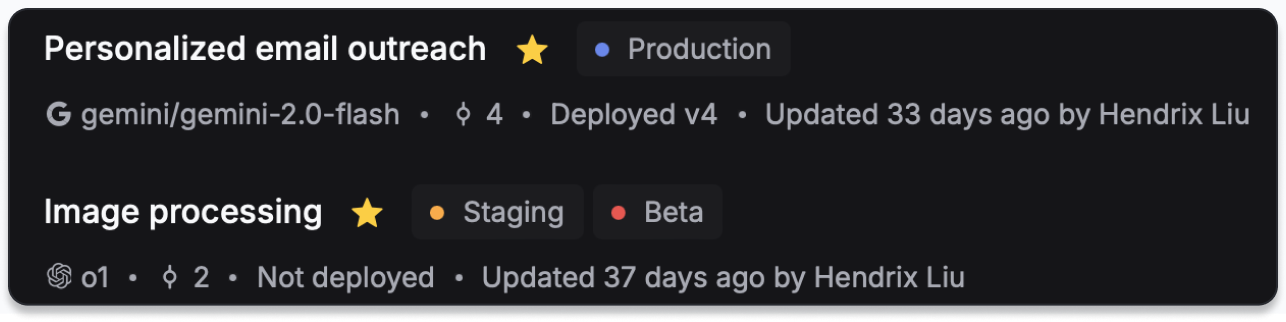
You can add labels to a prompt to categorize and organize them.
### Labels
You can add labels to a prompt to categorize and organize them.