> ## Documentation Index
> Fetch the complete documentation index at: https://docs.keywordsai.co/llms.txt
> Use this file to discover all available pages before exploring further.
# Overview
## What is Keywords AI?
Keywords AI is a **full-stack LLM engineering platform** that helps developers and PMs build reliable AI products 10x faster. In a shared workspace, product teams can **monitor**, **optimize**, and **improve** AI performance.
## Features
### Observability
Monitor your LLM applications with comprehensive visibility into performance, costs, and user interactions.

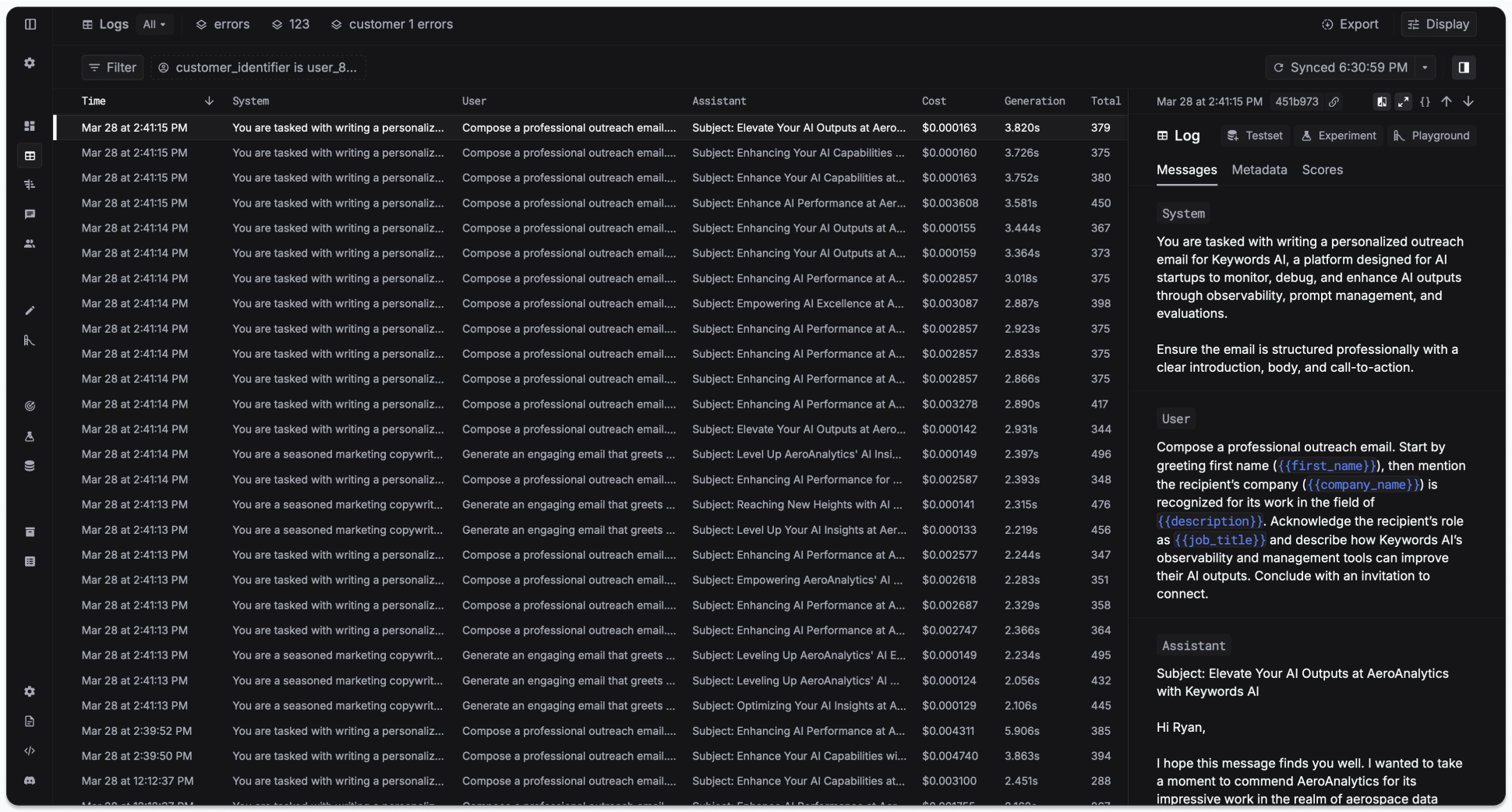
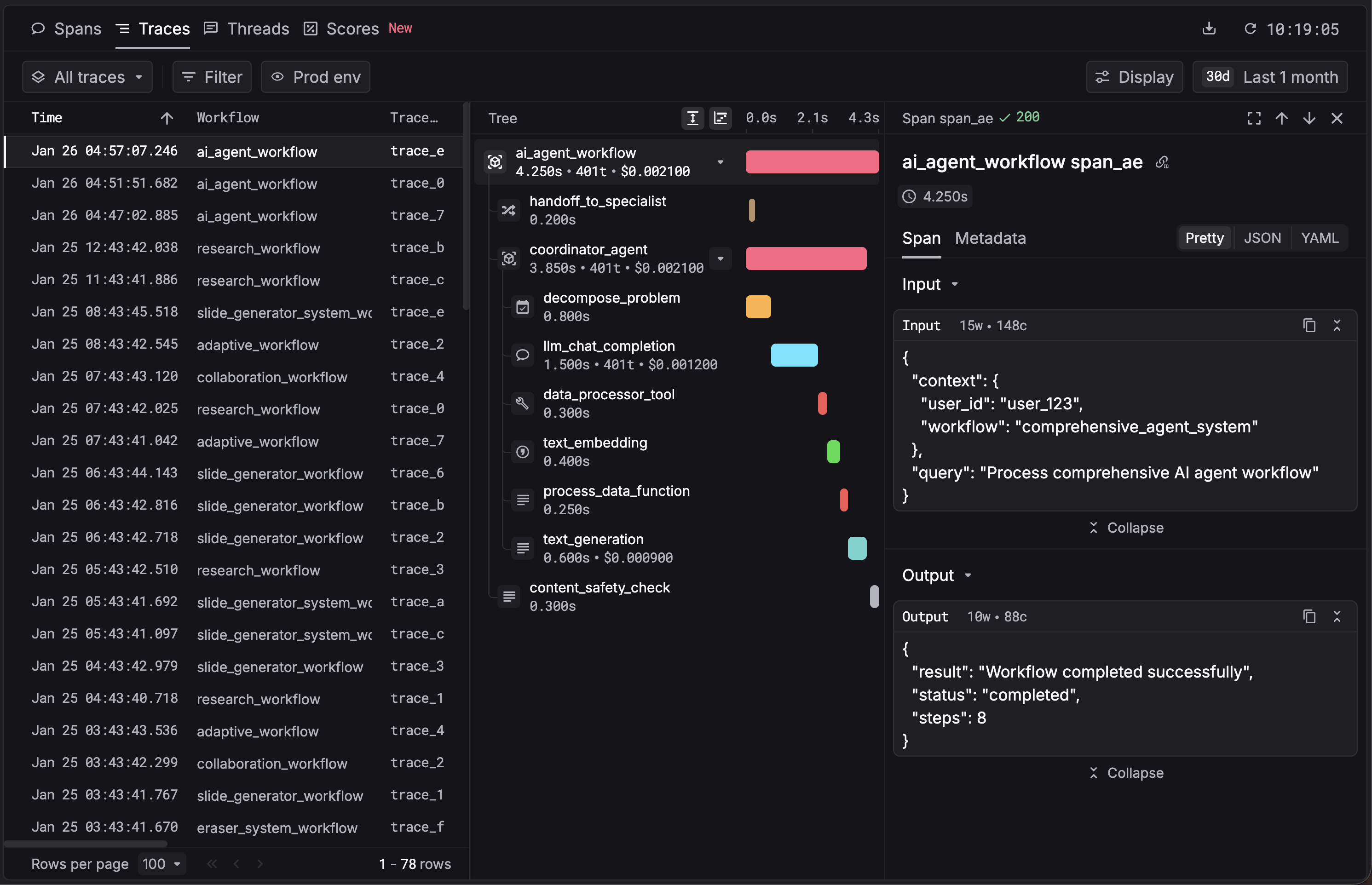
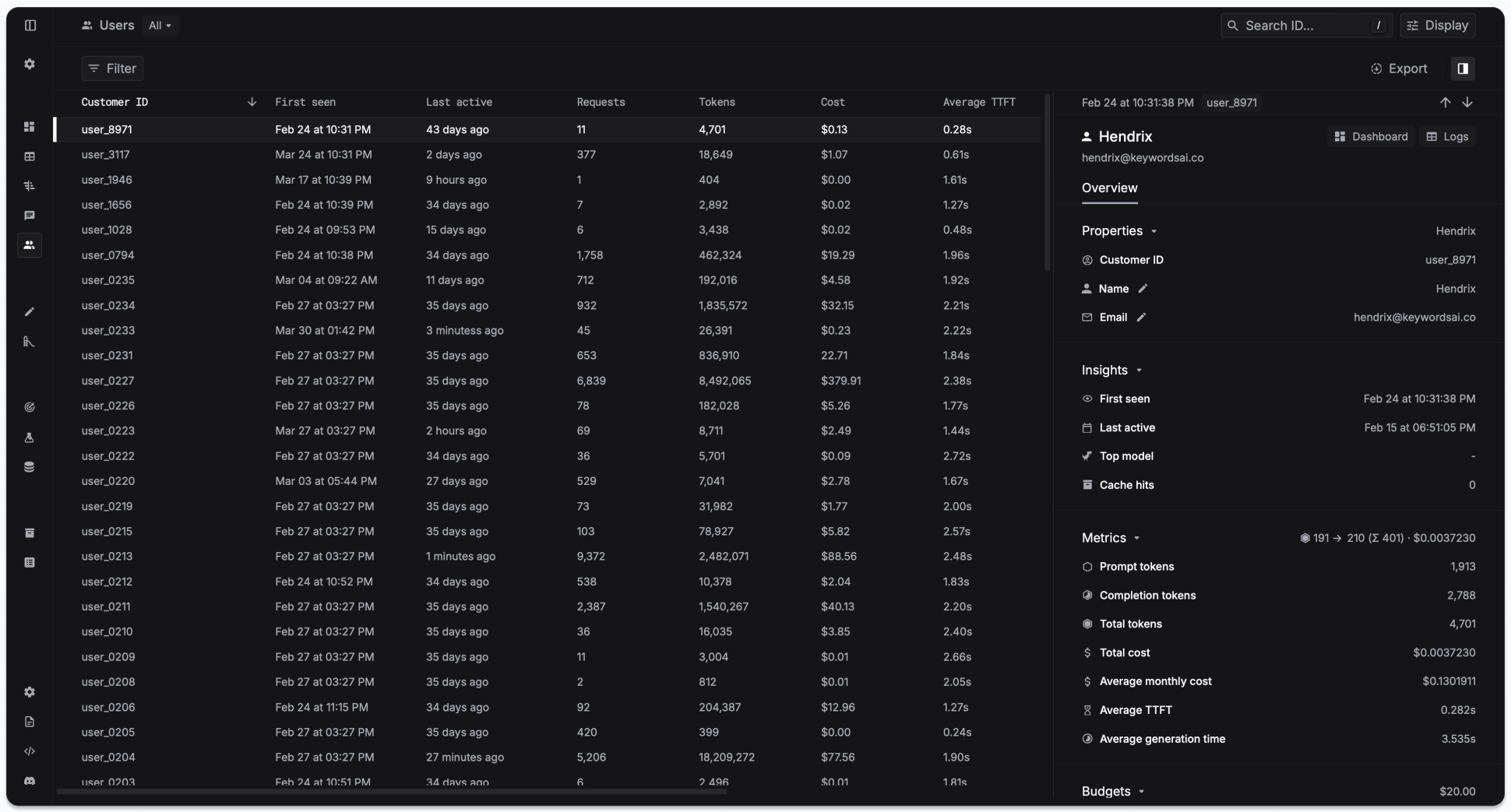 Send your existing LLM calls to Keywords AI for observability
Monitor complex agent workflows step-by-step
### Prompt management
Isolate prompts from code, collaborate with your team, and iterate faster with version control.
Send your existing LLM calls to Keywords AI for observability
Monitor complex agent workflows step-by-step
### Prompt management
Isolate prompts from code, collaborate with your team, and iterate faster with version control.
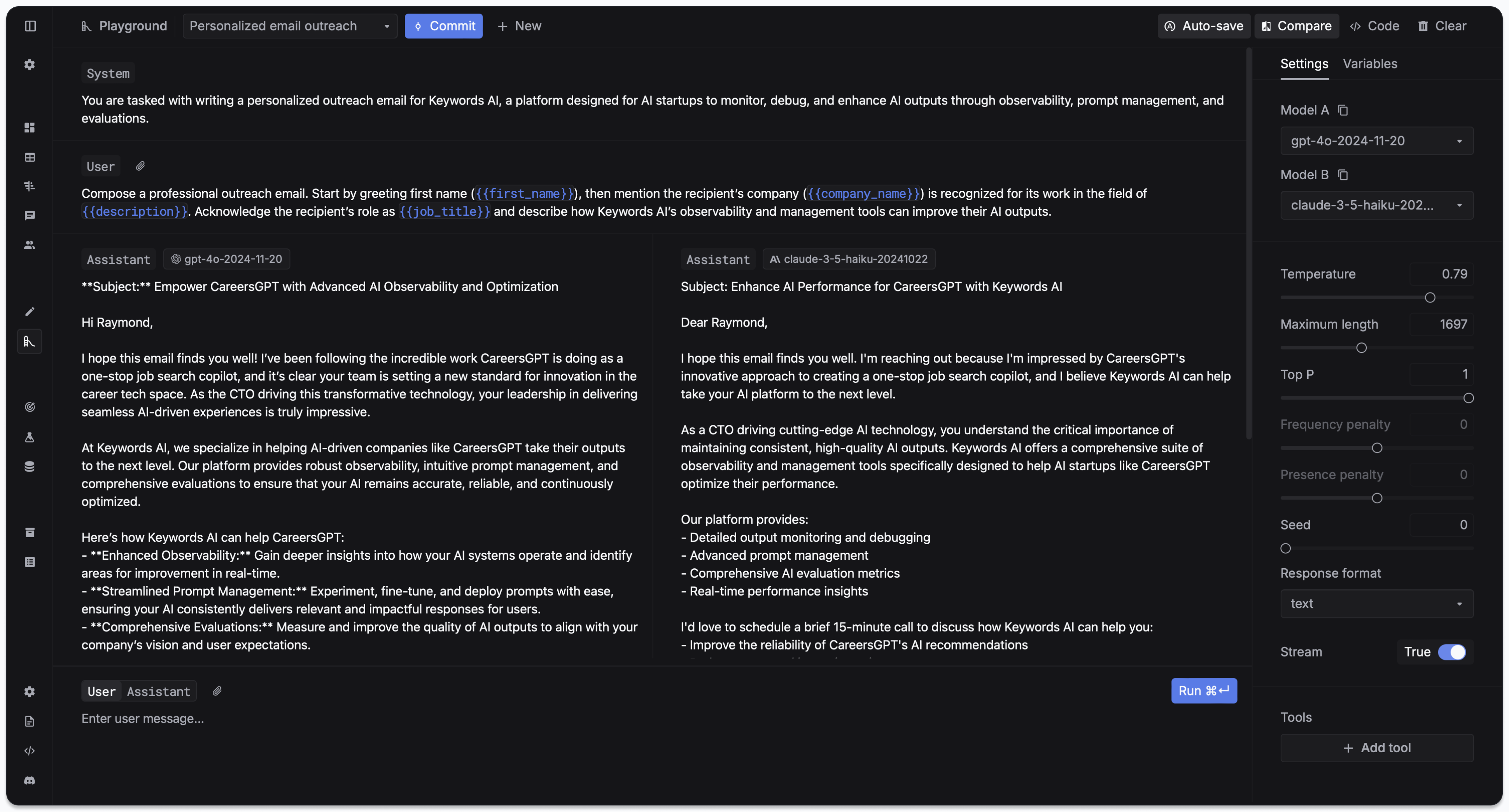
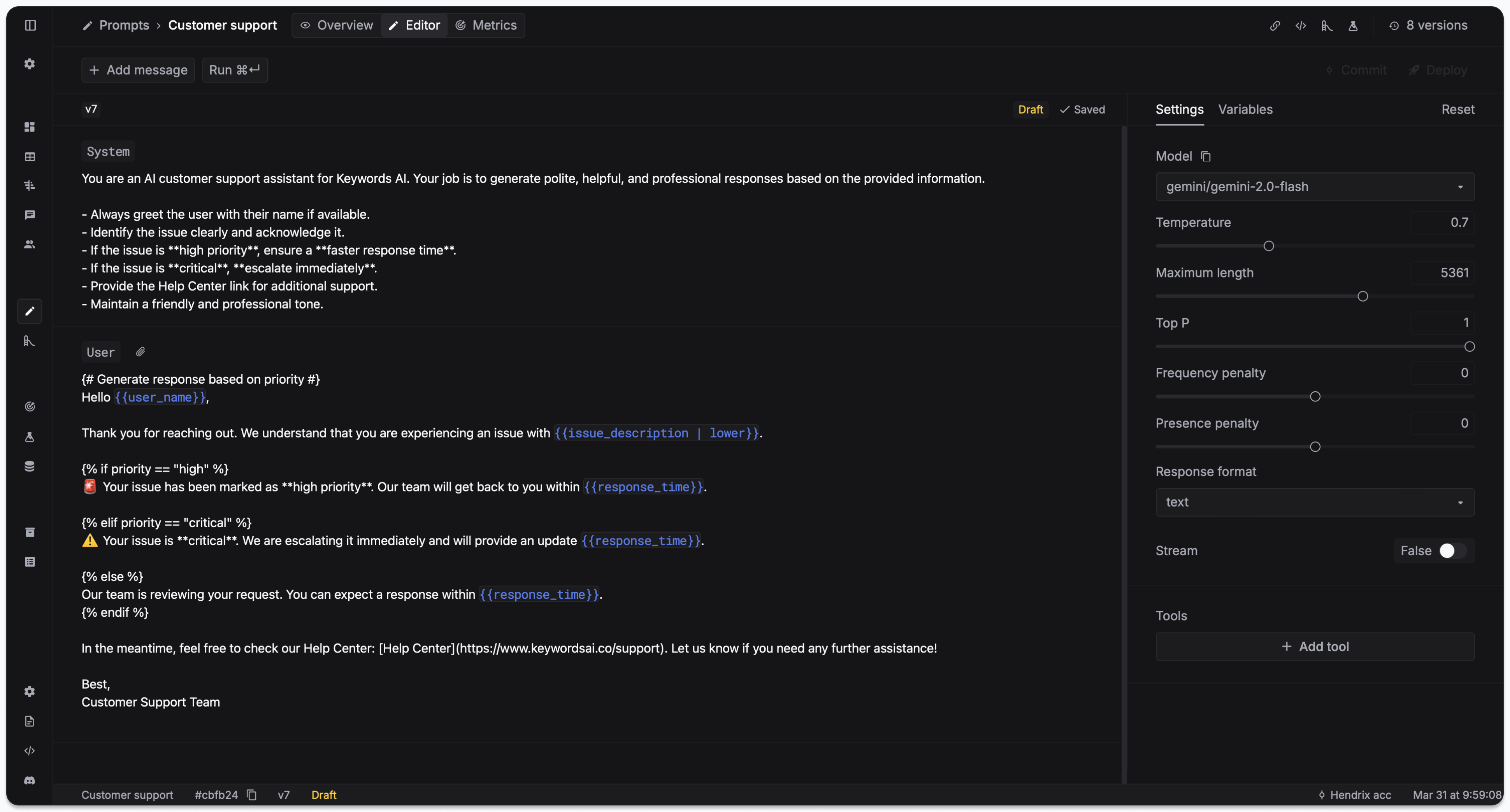
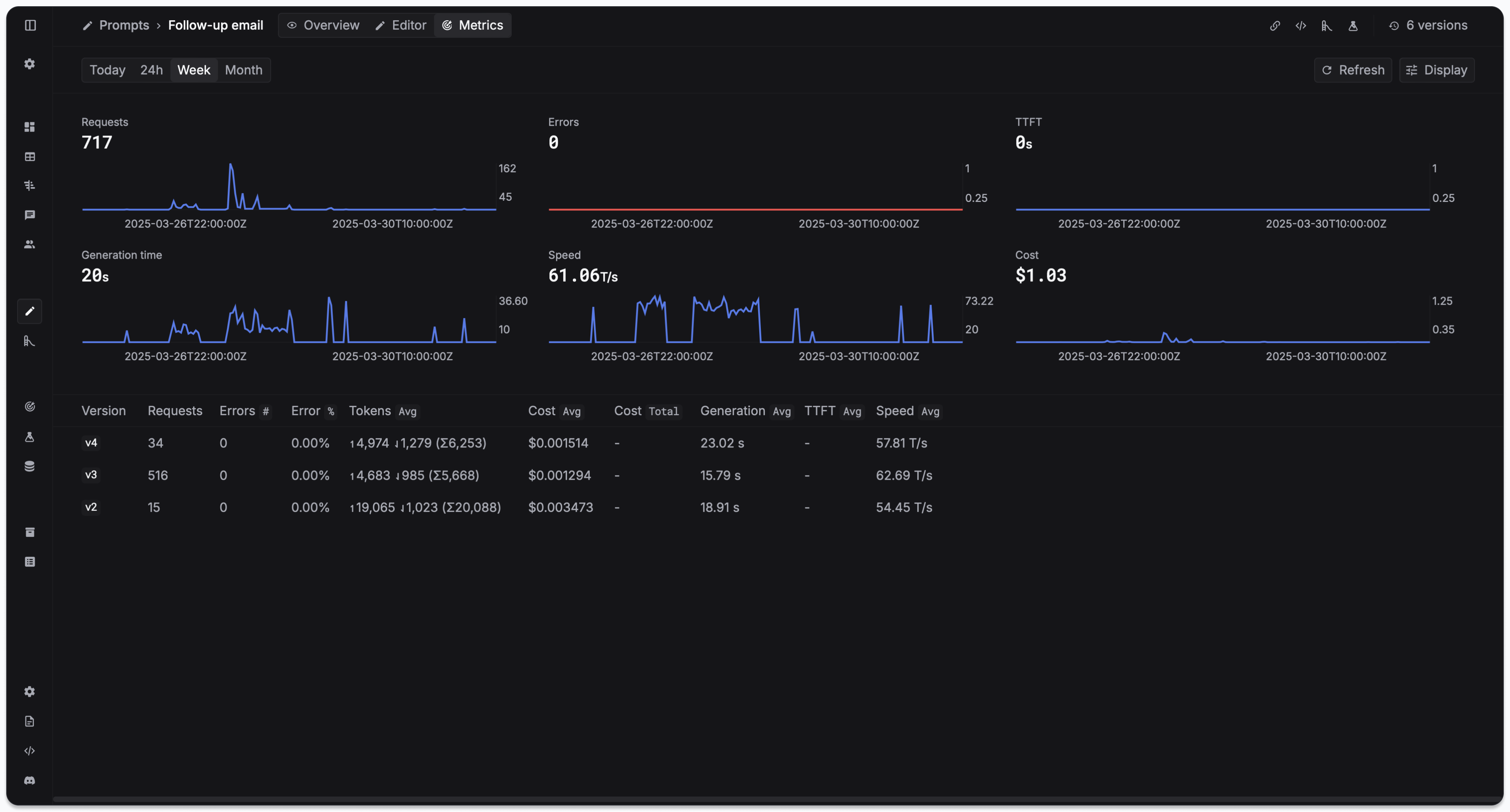
 Create, version, and deploy prompt templates with team collaboration
### Evaluations
Test your prompts systematically with evaluators, datasets, and experiments.
Create, version, and deploy prompt templates with team collaboration
### Evaluations
Test your prompts systematically with evaluators, datasets, and experiments.

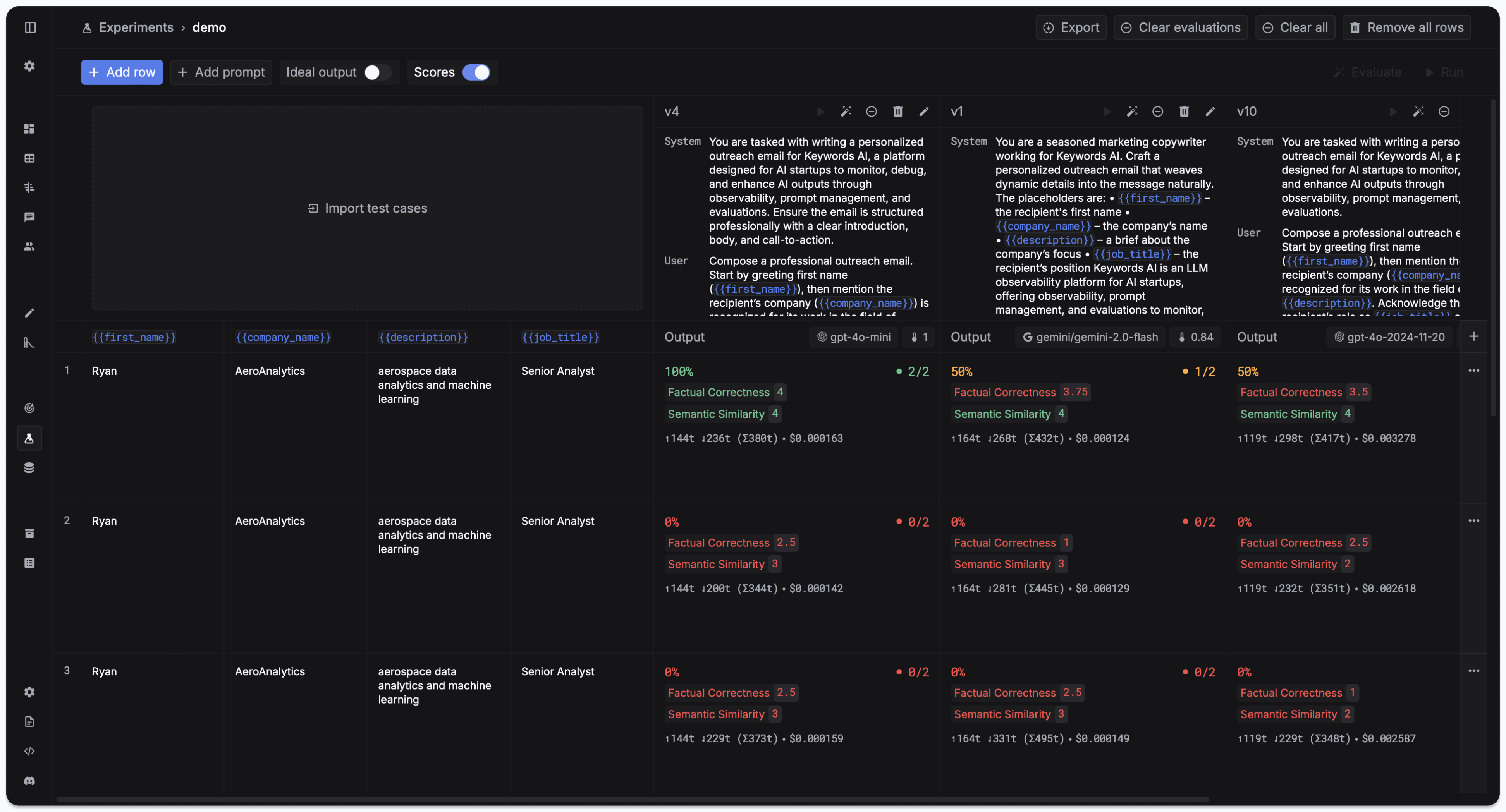
 Set up automated testing with evaluators, datasets, and experiments
### AI gateway
Interface with 250+ LLMs via one unified API with built-in optimization features.
```mermaid theme={"system"}
flowchart TD;
A[Your Application]-->B[Keywords AI Gateway];
B-->C[OpenAI];
B-->D[Anthropic];
B-->E[Google];
B-->F[250+ Models];
B-->G[Model Fallback];
B-->H[Load Balancing];
B-->I[Prompt Caching];
C-->Z[Optimized Response];
D-->Z[Optimized Response];
E-->Z[Optimized Response];
F-->Z[Optimized Response];
G-->Z[Optimized Response];
H-->Z[Optimized Response];
I-->Z[Optimized Response];
```
Connect to 250+ models with unified API, fallbacks, and cost optimization
## Why Keywords AI?
Keywords AI is the **only platform** that combines AI Gateway, Observability, Prompt Management, and Evaluations in one unified solution. Unlike other tools that focus on single aspects of LLM development, we provide everything you need to build, monitor, and improve AI applications.
No need to integrate multiple tools - all core features in one solution
Dedicated support team available around the clock
Get started in minutes with our managed platform and straightforward integration process
SOC 2, GDPR, and HIPAA compliant with enterprise-grade security and scalability built for production environments
### Platform comparison
| Feature | **Keywords AI** | Langfuse | Helicone | Braintrust |
| :--------------------- | :-------------: | :-------------: | :----------: | :------------: |
| **AI gateway** | ✅ | ❌ | ✅ | Limited |
| **Observability** | ✅ | ✅ | ✅ | ✅ |
| **Prompt management** | ✅ | ✅ | Limited | ✅ |
| **Evaluations** | ✅ | ✅ | ❌ | ✅ |
| **Team collaboration** | ✅ | ✅ | ✅ | ✅ |
| **Setup complexity** | Simple | Hard | Simple | Medium |
| **Hosting** | Managed | Open Source | Managed | Enterprise |
| **Support service** | 24/7 dedicated | GitHub (24-48h) | Contact form | Support center |
## Support
Connect with our community
Schedule a personalized walkthrough
Get help and documentation
Set up automated testing with evaluators, datasets, and experiments
### AI gateway
Interface with 250+ LLMs via one unified API with built-in optimization features.
```mermaid theme={"system"}
flowchart TD;
A[Your Application]-->B[Keywords AI Gateway];
B-->C[OpenAI];
B-->D[Anthropic];
B-->E[Google];
B-->F[250+ Models];
B-->G[Model Fallback];
B-->H[Load Balancing];
B-->I[Prompt Caching];
C-->Z[Optimized Response];
D-->Z[Optimized Response];
E-->Z[Optimized Response];
F-->Z[Optimized Response];
G-->Z[Optimized Response];
H-->Z[Optimized Response];
I-->Z[Optimized Response];
```
Connect to 250+ models with unified API, fallbacks, and cost optimization
## Why Keywords AI?
Keywords AI is the **only platform** that combines AI Gateway, Observability, Prompt Management, and Evaluations in one unified solution. Unlike other tools that focus on single aspects of LLM development, we provide everything you need to build, monitor, and improve AI applications.
No need to integrate multiple tools - all core features in one solution
Dedicated support team available around the clock
Get started in minutes with our managed platform and straightforward integration process
SOC 2, GDPR, and HIPAA compliant with enterprise-grade security and scalability built for production environments
### Platform comparison
| Feature | **Keywords AI** | Langfuse | Helicone | Braintrust |
| :--------------------- | :-------------: | :-------------: | :----------: | :------------: |
| **AI gateway** | ✅ | ❌ | ✅ | Limited |
| **Observability** | ✅ | ✅ | ✅ | ✅ |
| **Prompt management** | ✅ | ✅ | Limited | ✅ |
| **Evaluations** | ✅ | ✅ | ❌ | ✅ |
| **Team collaboration** | ✅ | ✅ | ✅ | ✅ |
| **Setup complexity** | Simple | Hard | Simple | Medium |
| **Hosting** | Managed | Open Source | Managed | Enterprise |
| **Support service** | 24/7 dedicated | GitHub (24-48h) | Contact form | Support center |
## Support
Connect with our community
Schedule a personalized walkthrough
Get help and documentation