> ## Documentation Index
> Fetch the complete documentation index at: https://docs.keywordsai.co/llms.txt
> Use this file to discover all available pages before exploring further.
# Google Gemini
> Use your own Gemini credits through Keywords AI
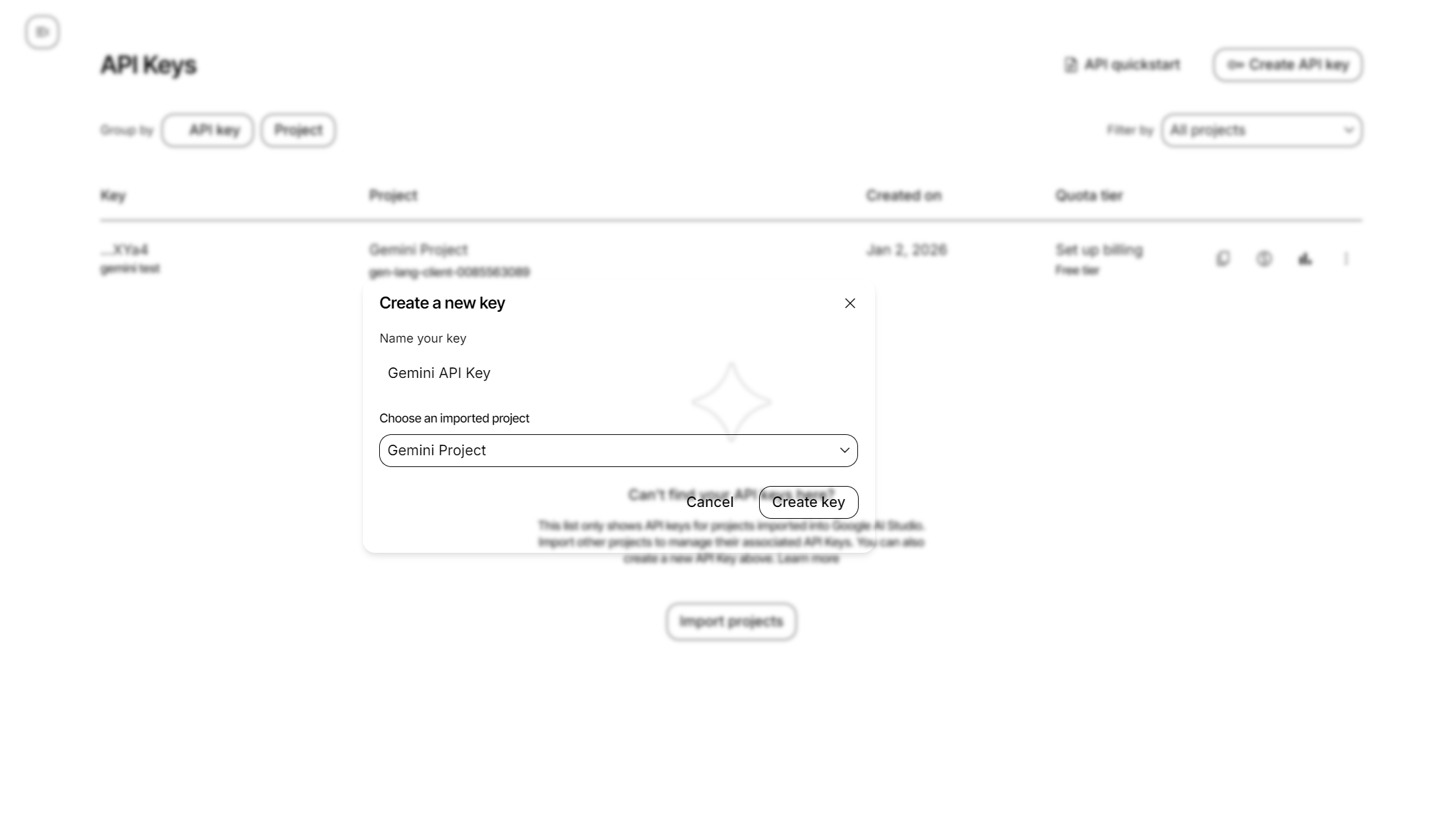
Get your Google Gemini API key from Google AI Studio to start using Gemini models through Keywords AI.
## Google Gemini models compatibility
* [OpenAI SDK](/integration/development-frameworks/llm_framework/openai/openai-sdk)
* [LangChain SDK](/integration/development-frameworks/llm_framework/langchain)
* [Vercel/OpenAI](/integration/development-frameworks/llm_framework/vercel#openai)
* [Vercel/Google](/integration/development-frameworks/llm_framework/vercel#google)
* [LlamaIndex SDK](/integration/development-frameworks/llm_framework/llama-index)
* [Google GenAI](/integration/development-frameworks/llm_framework/google_genai)
* [Keywords native (Otel)](/get-started/quickstart/gateway)
* [Anthropic SDK](/integration/development-frameworks/llm_framework/anthropic)
* [Vercel/Anthropic](/integration/development-frameworks/llm_framework/vercel#anthropic)
## Add Google Gemini API keys
There are 2 ways to add your Google Gemini credentials to your requests:
### Via UI
Go to [Providers page](https://platform.keywordsai.co/platform/api/providers)