Documentation Index
Fetch the complete documentation index at: https://docs.keywordsai.co/llms.txt
Use this file to discover all available pages before exploring further.
What is Experiments?
Experiments lets you run repeatable evaluations over a dataset and inspect outputs, evaluator scores, and run status in the UI.
Resources
Steps to use
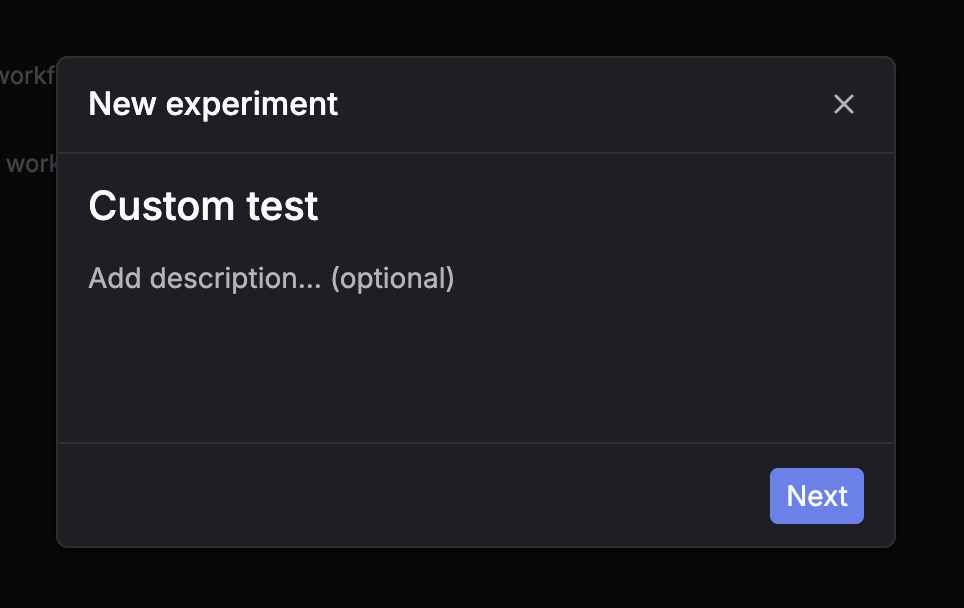
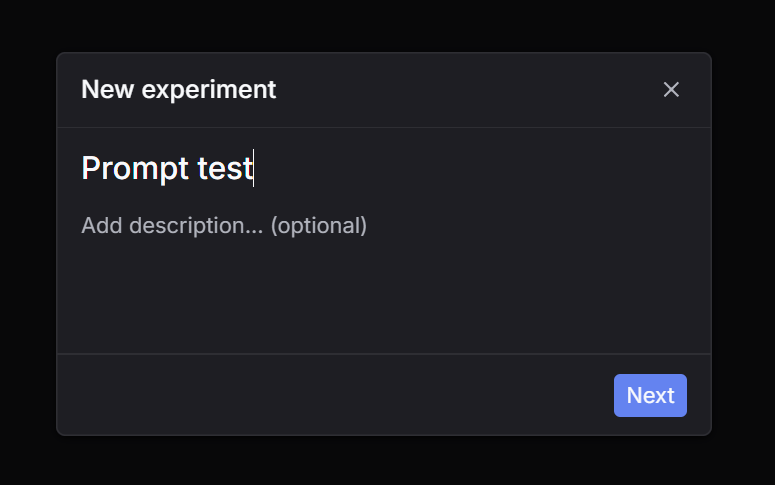
Step 1: Click New experiment
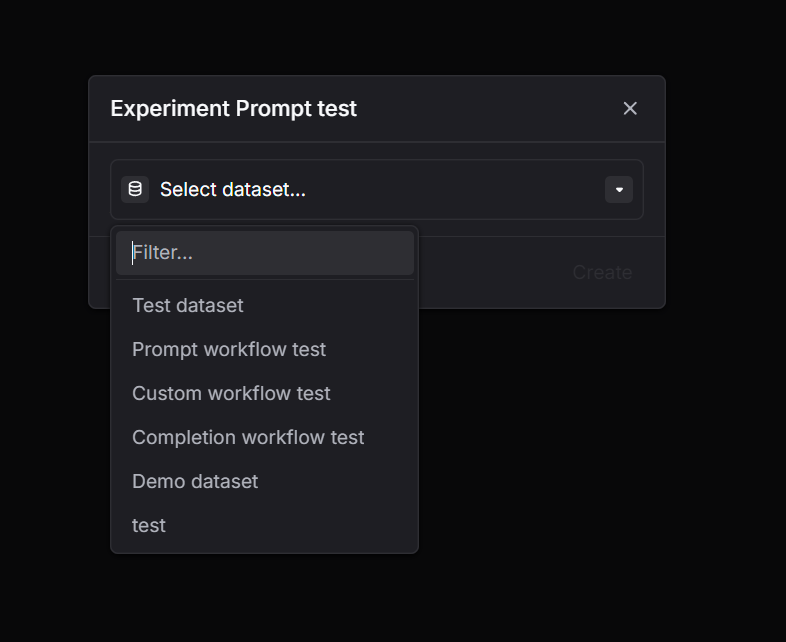
Go to Experiments and click New experiment. Step 2: Select a dataset
Choose the dataset you want to run on. Step 3: Select task = Prompt
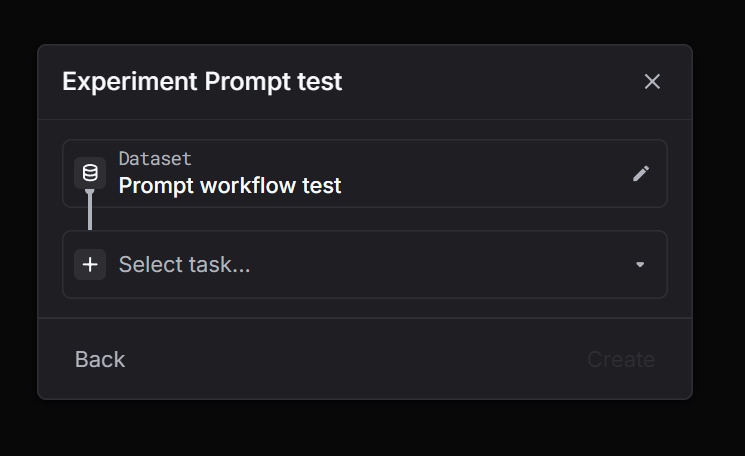
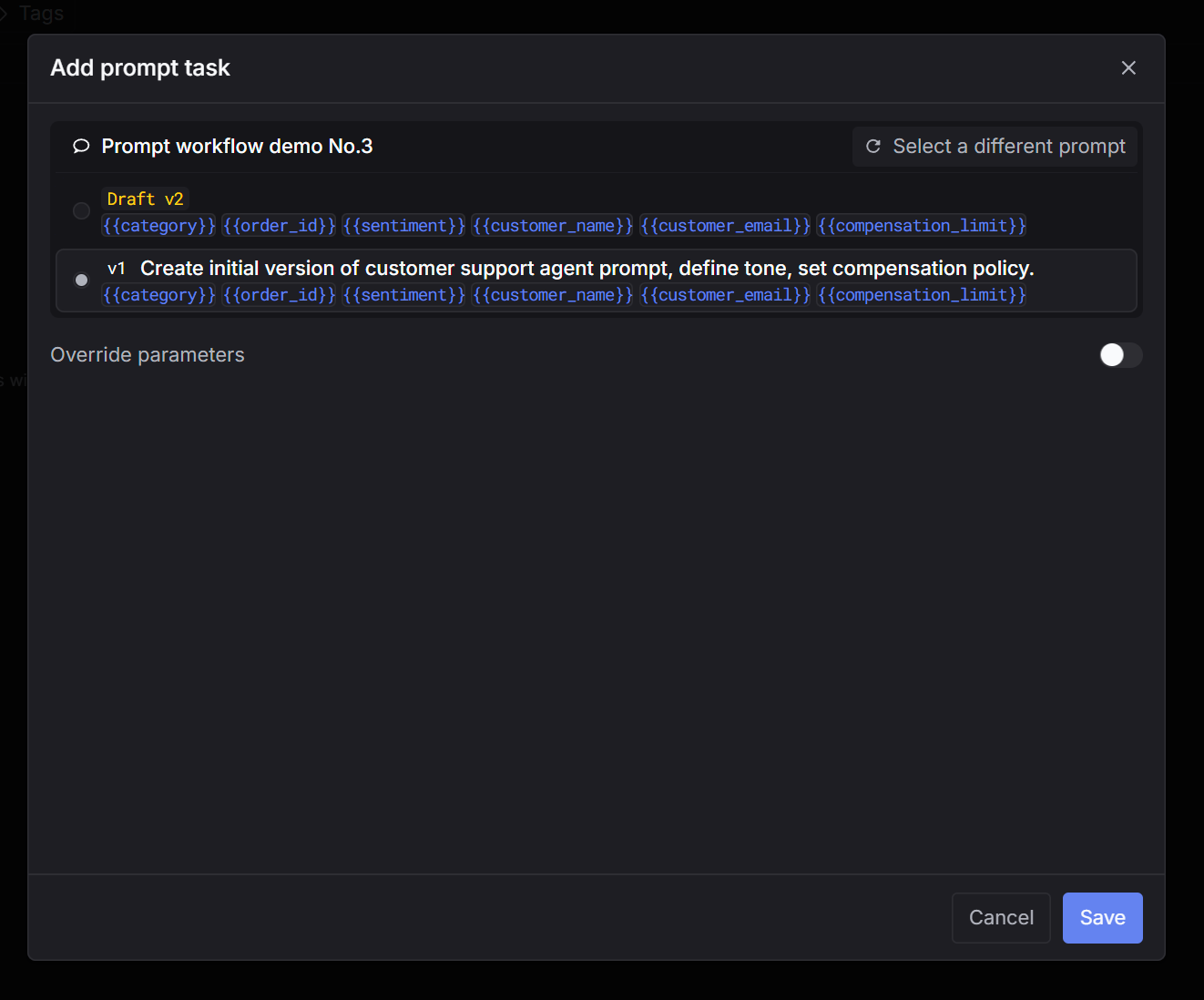
Pick Prompt as the task type. Step 4: Select a prompt
Choose the prompt you want to test (and the version if applicable). Step 5: Select evaluators
Select one or more evaluators to score outputs. Step 6: Create and wait for the run to finish
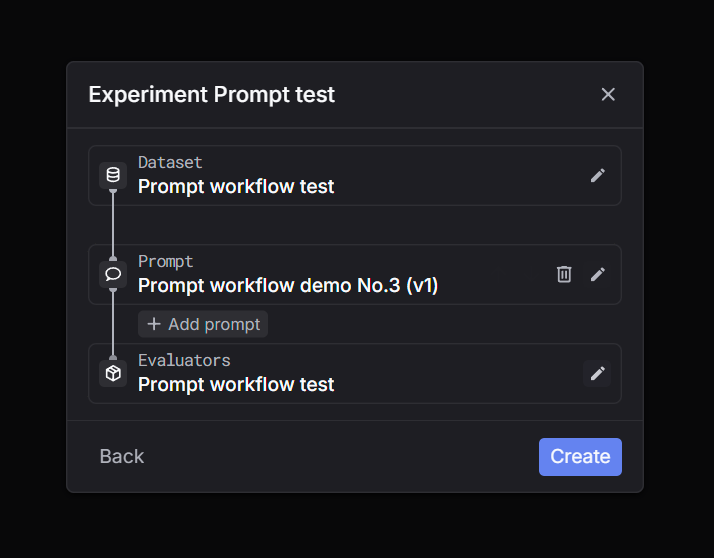
Click Create. The run will process in the background. Wait until the status is complete, then inspect outputs and evaluator scores. Step 1: Click New experiment
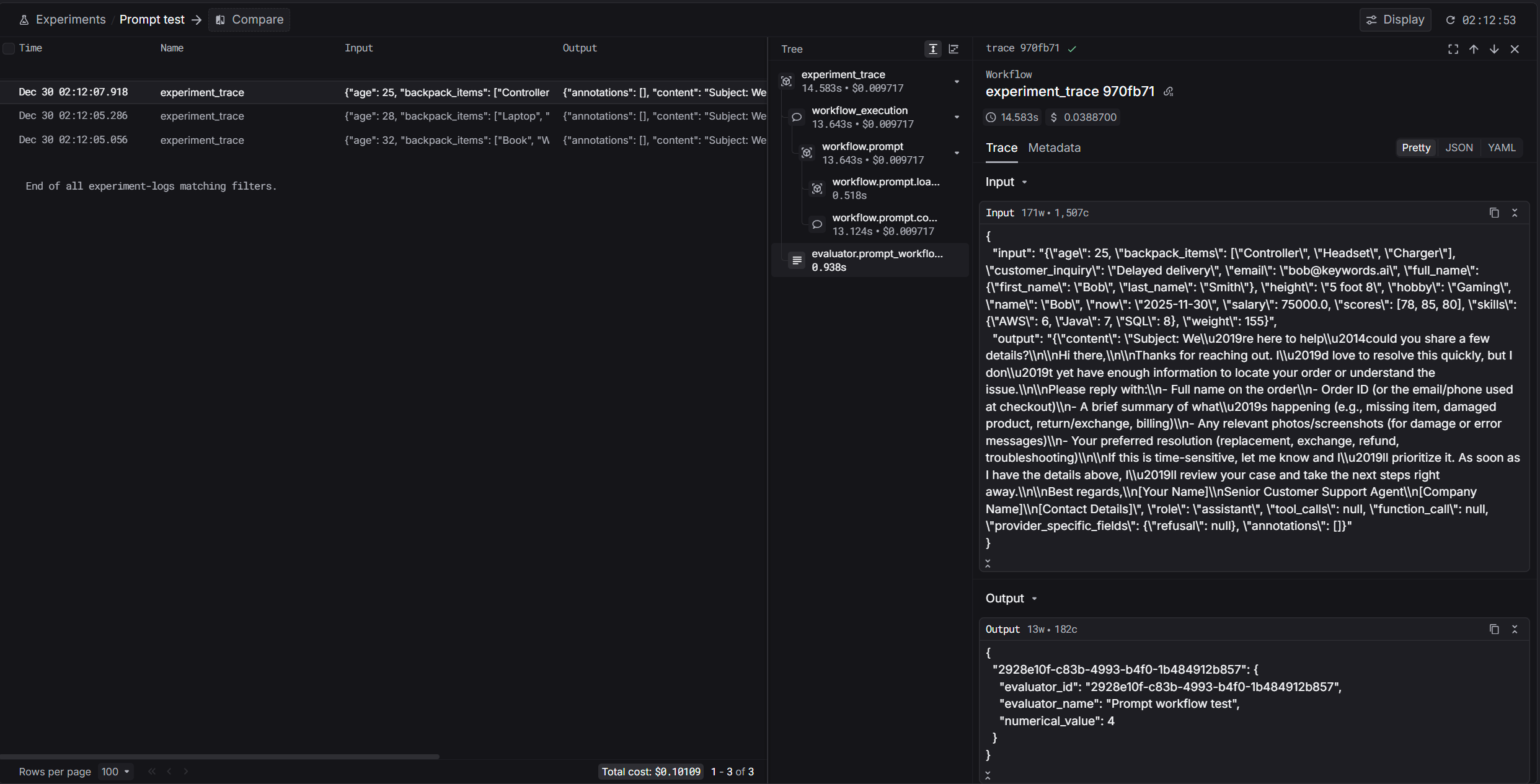
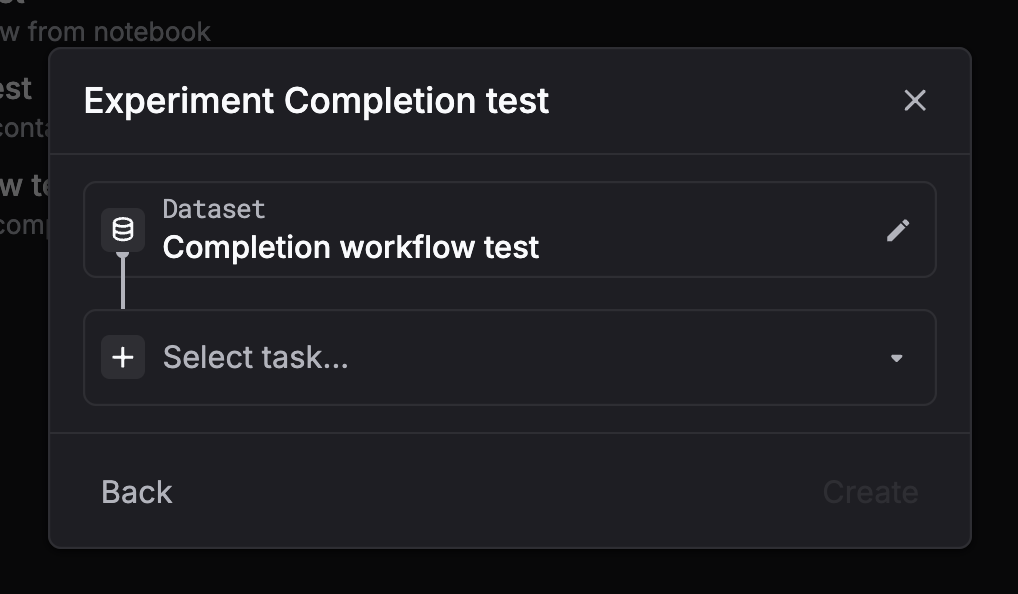
Go to Experiments and click New experiment. Step 2: Select a dataset
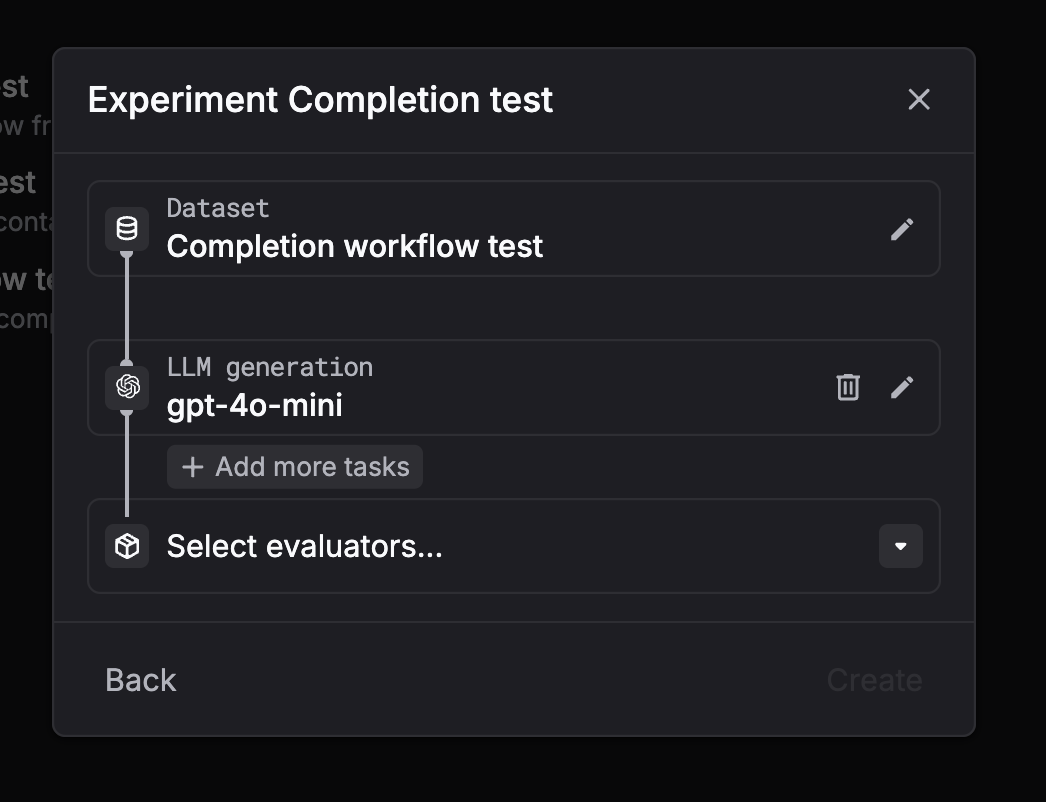
Choose the dataset you want to run on. Step 3: Select task = LLM generation (chat completion)
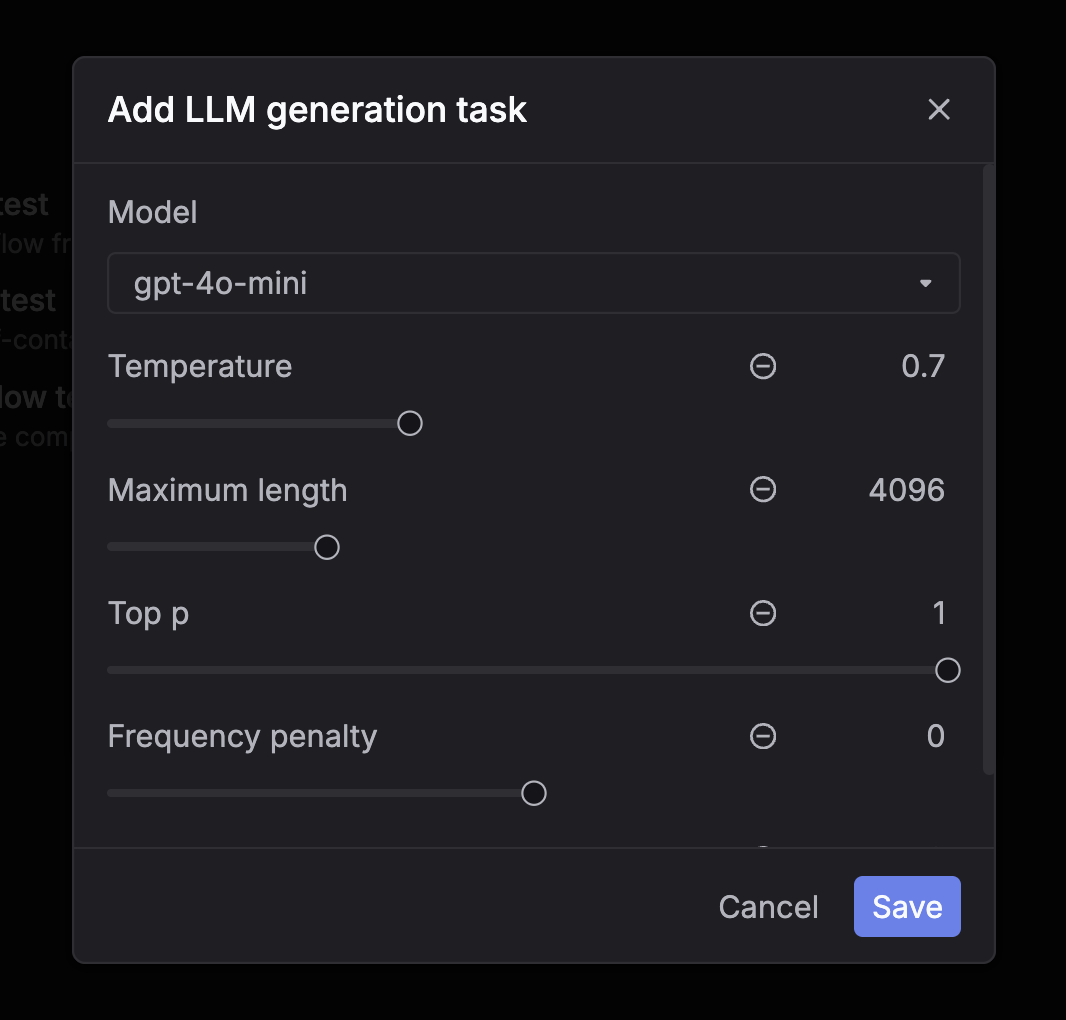
Pick LLM generation (chat completion) as the task type. Step 4: Configure the model and parameters
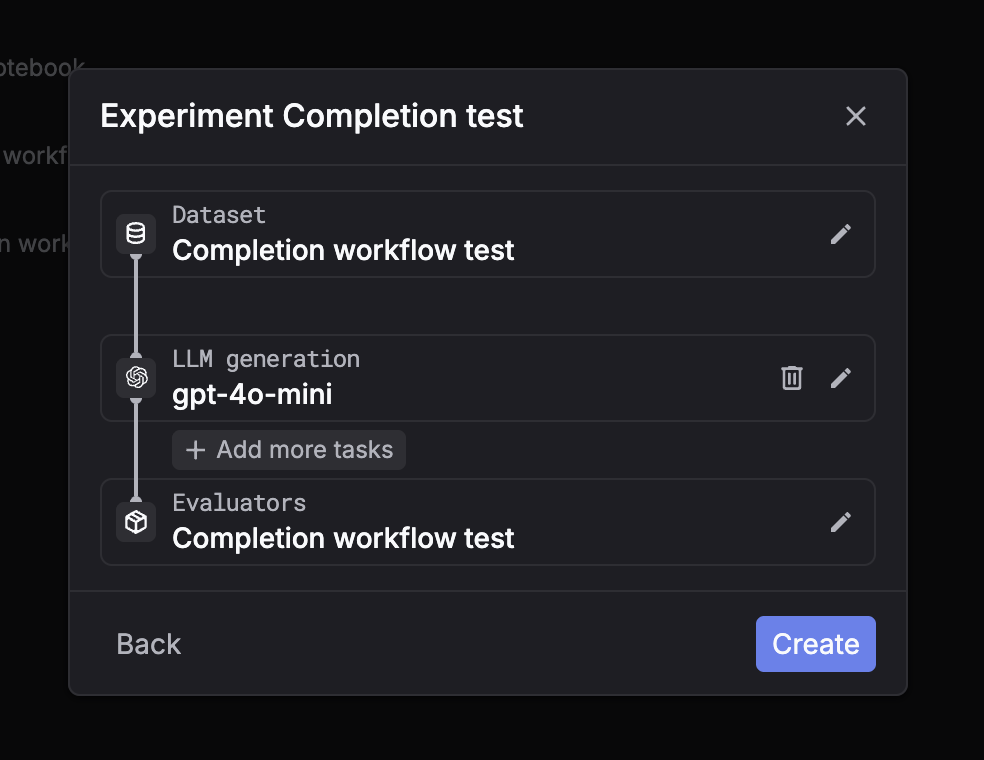
Choose the model and set parameters like temperature and max tokens. Step 5: Select evaluators
Select one or more evaluators to score outputs. Step 6: Create and wait for the run to finish
Click Create. The run will process in the background. Wait until the status is complete, then inspect outputs and evaluator scores. Step 1: Click New experiment
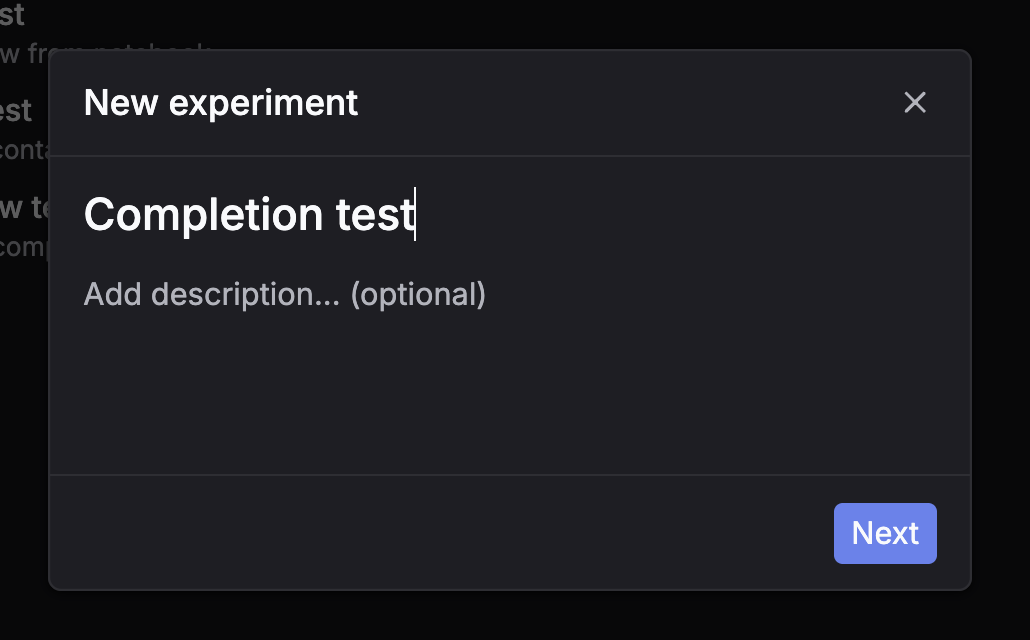
Go to Experiments and click New experiment. Step 2: Select a dataset
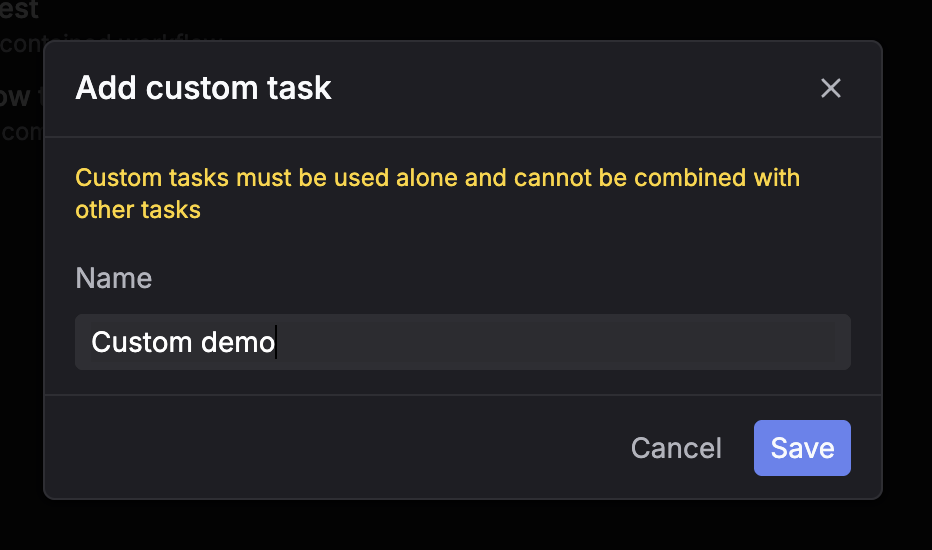
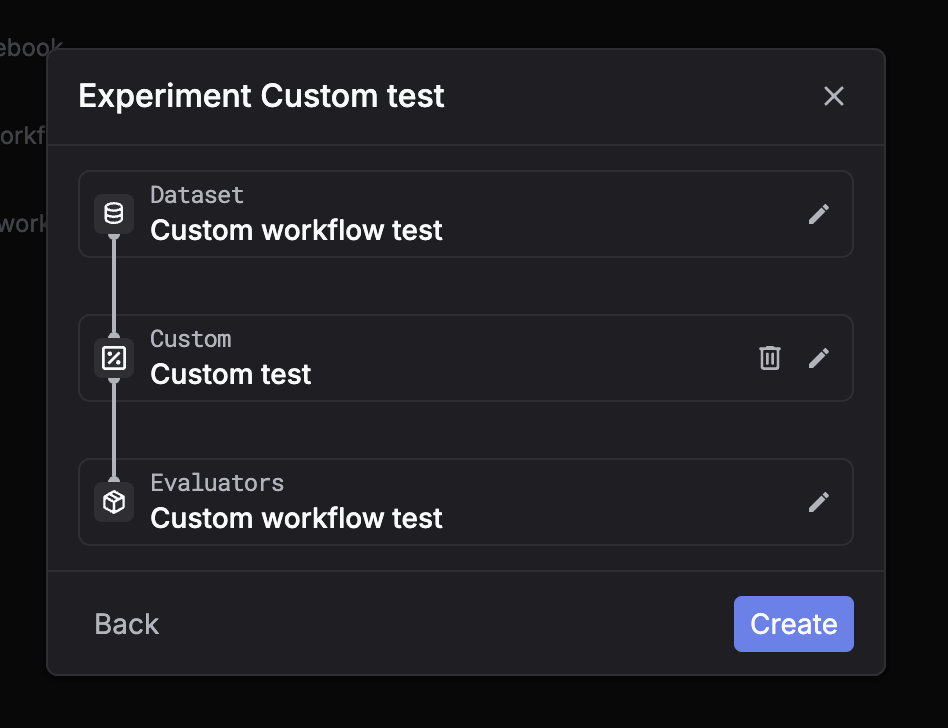
Choose the dataset you want to run on. Step 3: Select task = Custom
Pick Custom as the task type. Step 4: Select evaluators
Select one or more evaluators to score outputs. Step 5: Create and wait for placeholders
Click Create. The system will create placeholder rows for each dataset entry.You can then fill outputs using the API flow (recommended) so evaluators run on your submitted results.For custom tasks, the UI is usually used to monitor progress and review results, while outputs are submitted via API.