

Overview
Decorators provide the simplest way to add comprehensive tracing to your LLM workflows without modifying your existing code structure. By adding@workflow and @task decorators to your functions and classes, you can automatically capture detailed execution traces that show the complete hierarchy of your LLM operations.
Compatibility
Integration
Setup
Make sure if have everything ready before you start.
Implementation
- Keywords AI Native
Annotate your workflows
Use the@workflow and @task decorators to instrument your code:Full example with LLM calls
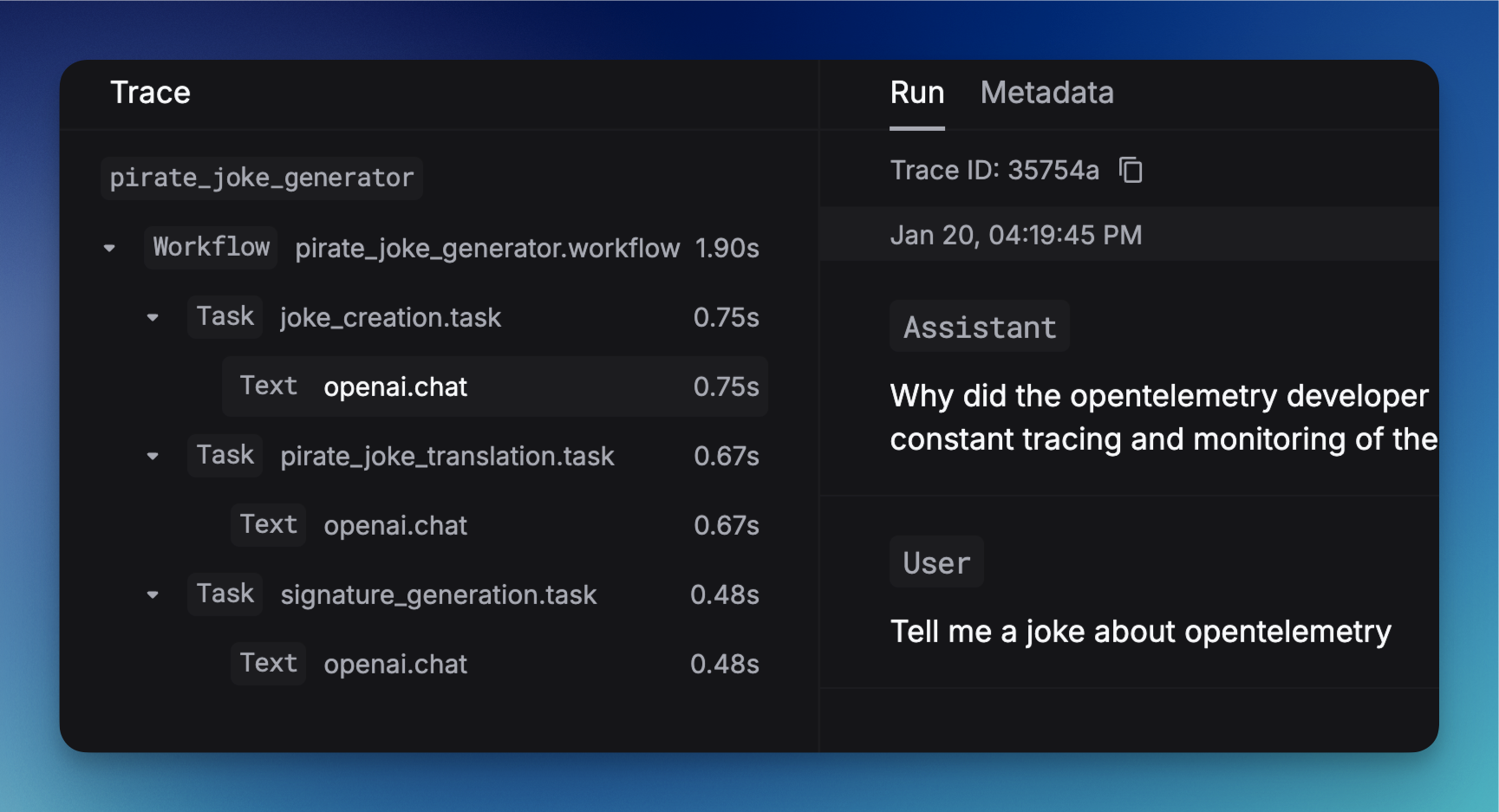
This example demonstrates a complete LLM workflow with three sequential tasks:- Joke Creation (
joke_creation): Generates an original joke about OpenTelemetry using GPT-3.5-turbo - Pirate Translation (
pirate_joke_translation): Transforms the joke into pirate language - Signature Generation (
signature_generation): Adds a creative signature to the final pirate joke
@workflow decorator wraps the entire process, while each @task decorator instruments individual LLM operations.Decorate classes for object-oriented workflows:
How to see this in the platform
Once you’ve implemented decorators in your code and executed your workflows, you can view the traces in the Keywords AI platform:Accessing traces
- Navigate to the Traces page in your Keywords AI dashboard
- You’ll see a list of all your traced workflows and tasks
Understanding the trace view
- Workflow overview: See the complete execution flow of your decorated workflows
- Task breakdown: View individual tasks within each workflow, including execution time and status
- LLM call details: Inspect the actual requests and responses for each LLM operation
- Performance metrics: Analyze latency, token usage, and costs for each operation
- Error tracking: Identify and debug failures in your workflows
Example trace visualization
- The parent workflow (e.g.,
joke_workflow,vercel_ai_workflow,openai_workflow) - Individual tasks (e.g.,
joke_creation,generate_text,researcher_agent) - Execution timeline and dependencies
- LLM call metadata and performance metrics