

This integration supports LiteLLM callbacks (logging) and the Keywords AI gateway.
Overview
LiteLLM provides a unified interface for calling many LLM providers. With Keywords AI, you can either:- Export logs via LiteLLM callbacks
- Route requests through the Keywords AI gateway
Quickstart
Step 1: Get a Keywords AI API key
Create an API key in the Keywords AI dashboard.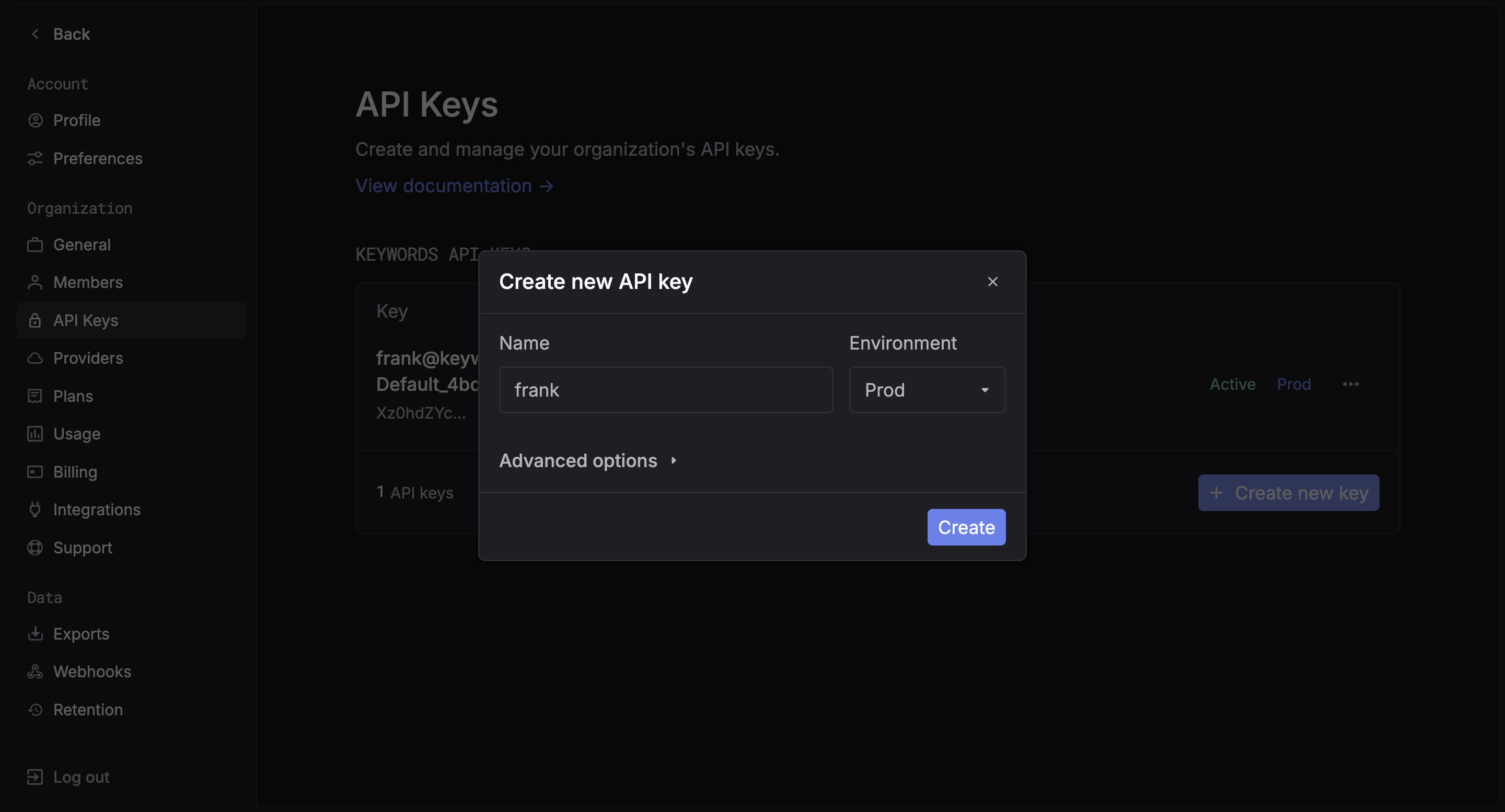
Step 2: Install packages
Examples
Choose one of the two ways to use the LiteLLM integration:Callback mode (logging)
Register the Keywords AI callback to send logs automatically.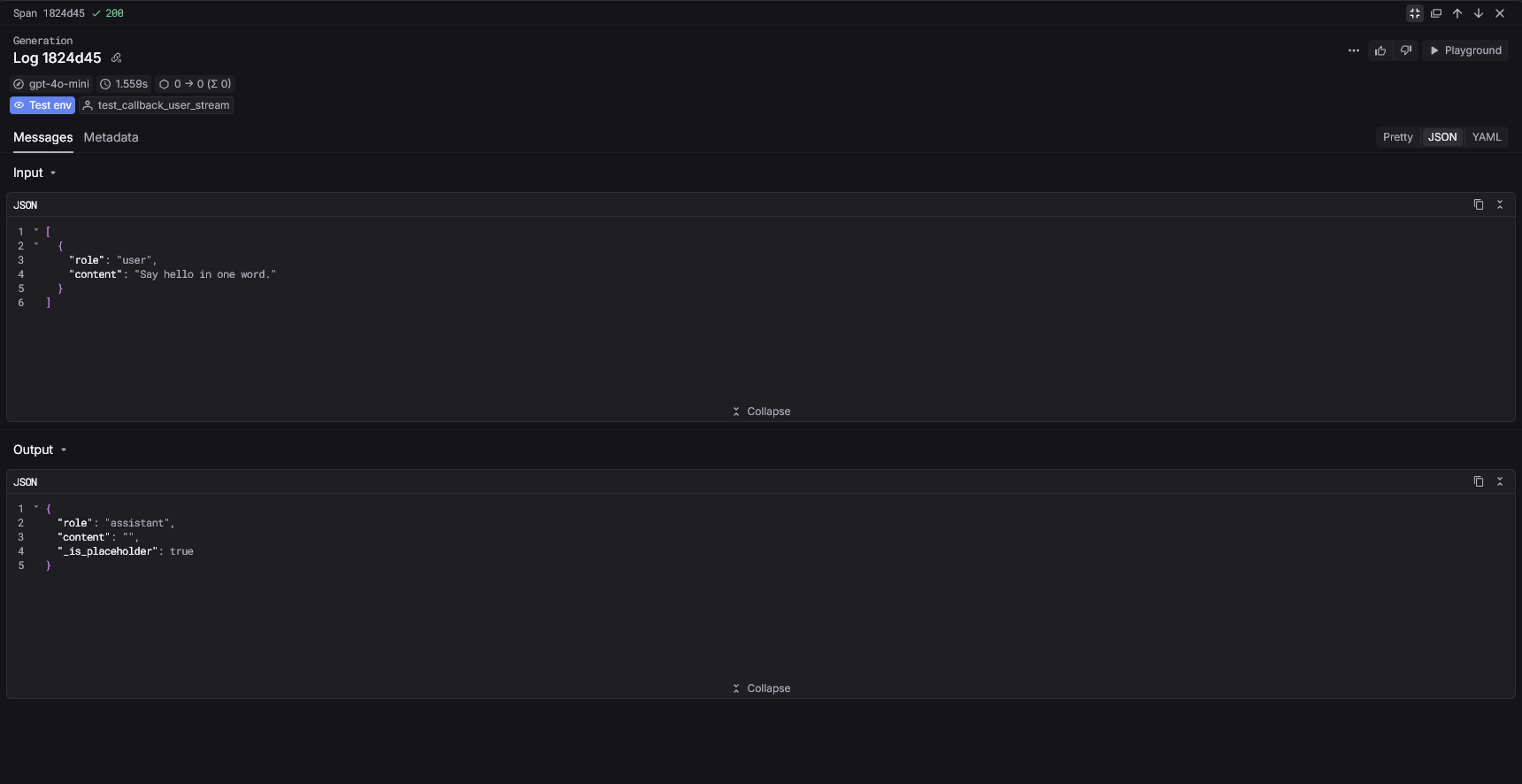
Gateway mode
Route LiteLLM requests through the Keywords AI gateway.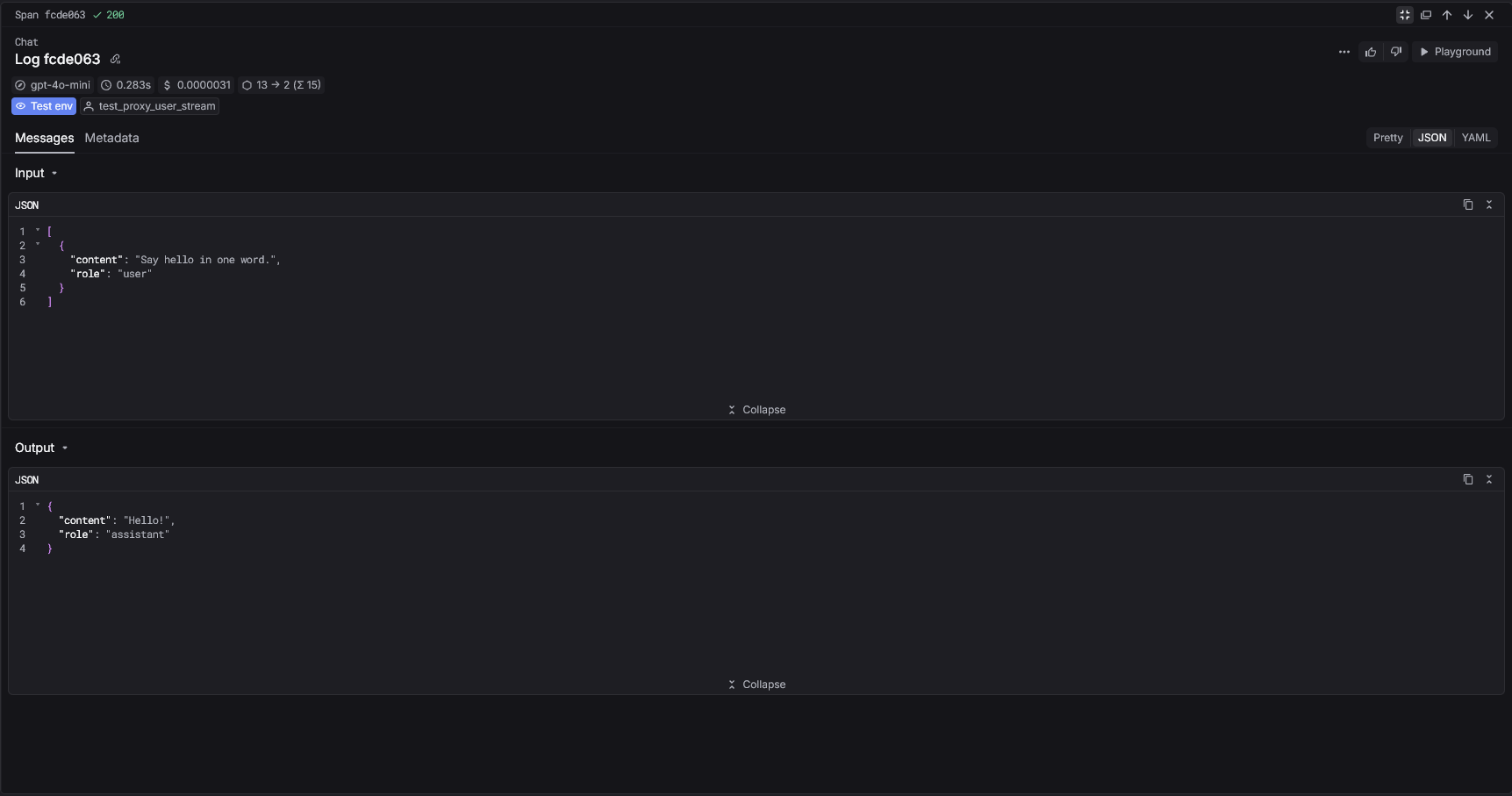
Keywords AI parameters
Callback mode (metadata)
Pass Keywords AI parameters insidemetadata.keywordsai_params.
Gateway mode (extra_body)
Pass Keywords AI parameters usingextra_body when routing through the gateway.
View your analytics
Access your Keywords AI dashboard to see detailed analytics
Next Steps
Advanced settings
Track user behavior and patterns
Prompt Management
Manage and version your prompts