

This integration is for workflow tracing. For gateway features, see Haystack Gateway.
Overview
Haystack pipelines can have multiple components (retrievers, prompt builders, LLMs). The Keywords AI tracing integration captures your entire workflow execution, showing you exactly how data flows through each component.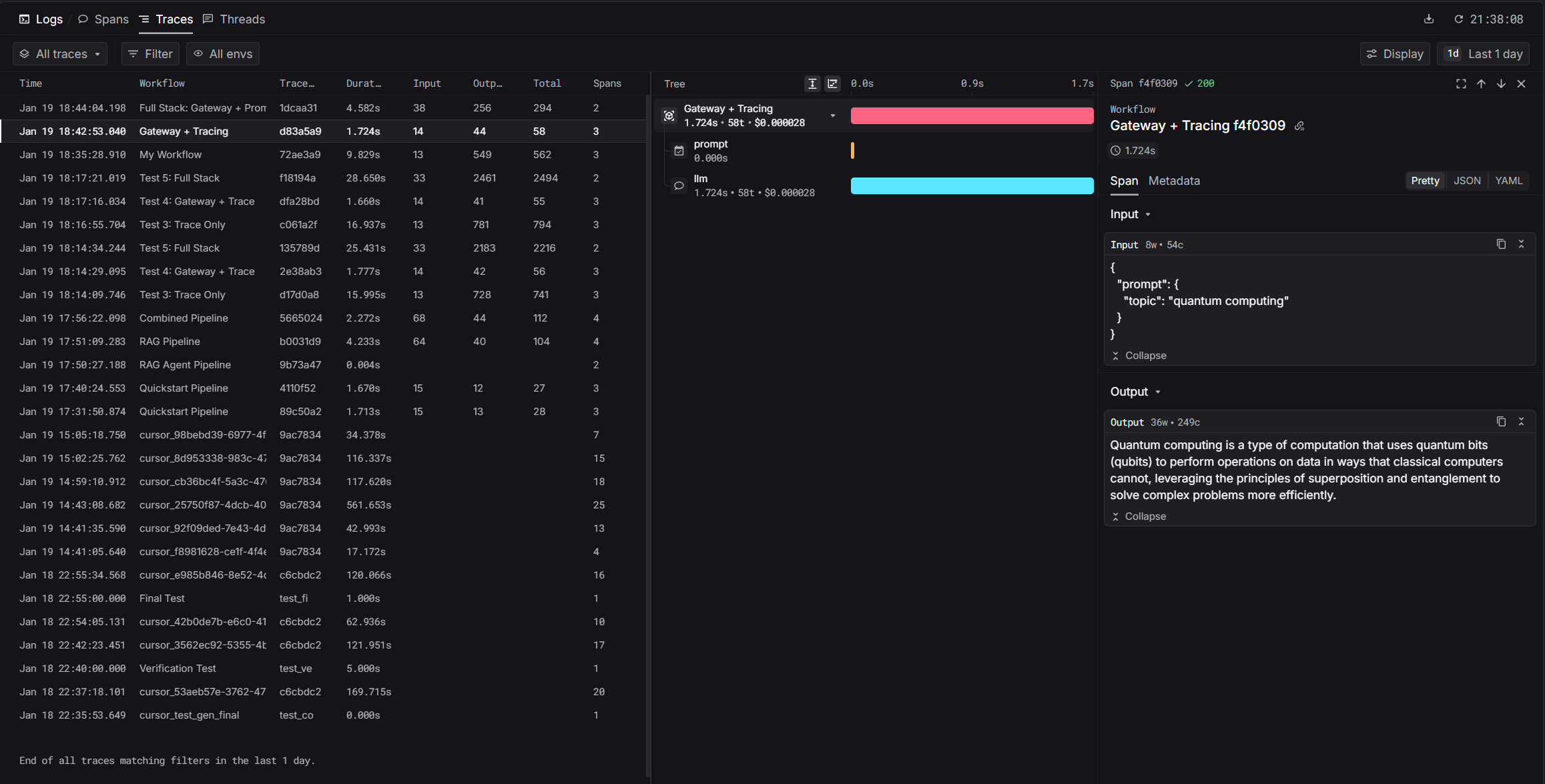
Installation
Quickstart
1
Set Environment Variables
HAYSTACK_CONTENT_TRACING_ENABLED variable activates Haystack’s tracing system.2
Add KeywordsAIConnector to Your Pipeline
3
View Your Trace
After running, you’ll get a trace URL. Visit it to see:
- Pipeline execution timeline
- Each component’s input/output
- Timing per component
- Token usage and costs
Gateway Integration
For production workflows, combine tracing with gateway features like automatic logging, fallbacks, and cost optimization.Haystack Gateway Integration
Learn how to route LLM calls through Keywords AI gateway