

This section is for Keywords AI LLM gateway users.
Prerequisites
- A Keywords AI API key
- An OpenRouter API key (BYOK credits)
Get OpenRouter API key
Retrieve your API key from OpenRouter to begin integration.
Supported SDKs / integrations
✅ Supported Frameworks
✅ Supported Frameworks
❌ Unsupported Frameworks
❌ Unsupported Frameworks
Configuration
There are 2 ways to add your OpenRouter credentials to your requests:Via UI (Global)
1
Navigate to Providers
Go to the Providers page. This page allows you to manage credentials for over 20+ supported providers.
2
Add your OpenRouter API Key
Select OpenRouter and paste your API key.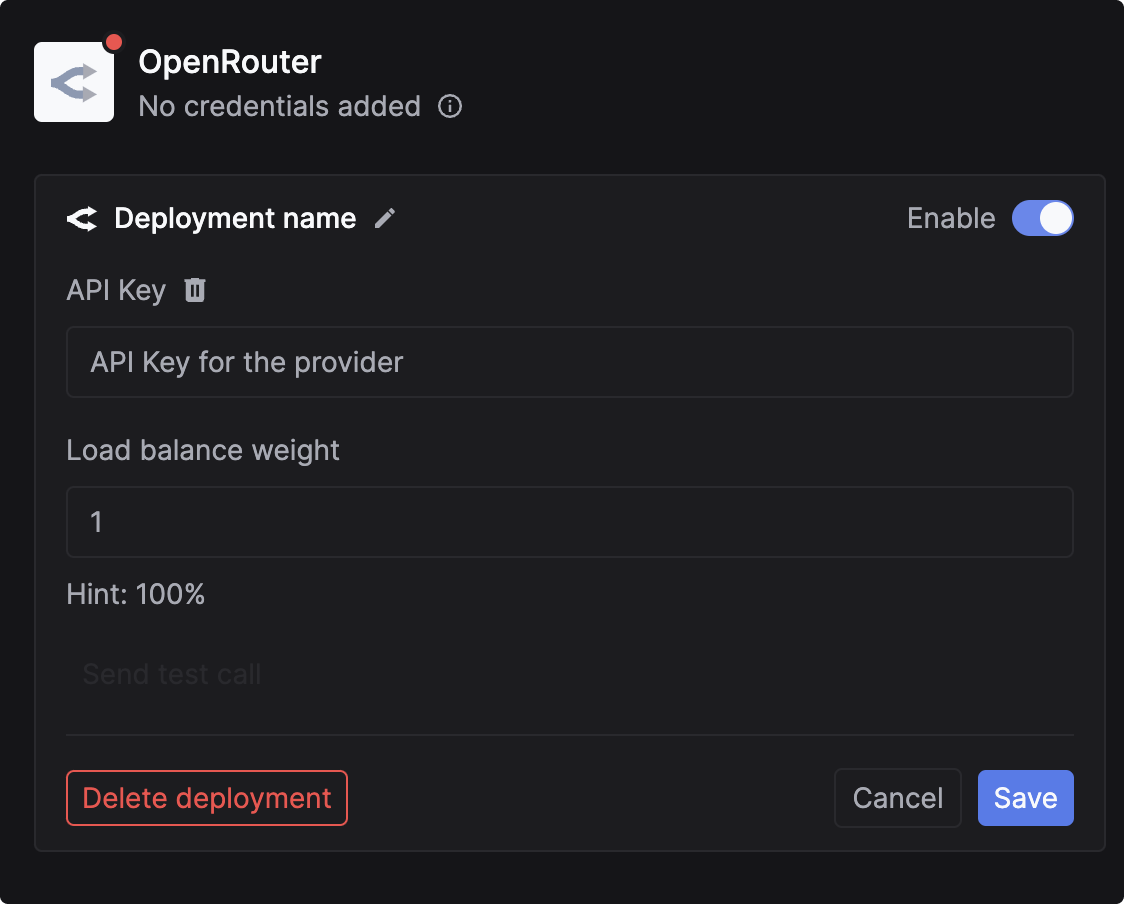
3
Configure Load Balancing (Optional)
You can add multiple OpenRouter API keys for redundancy. Use the
Load balancing weight field to determine how traffic is distributed between keys.Via code (Per-Request)
You can pass credentials dynamically in the request body. This is useful if you need to use your users’ own API keys (BYOK credits). Add thecustomer_credentials parameter to your Gateway request:
Log OpenRouter requests
If you are not using the Gateway to proxy requests, you can still log your OpenRouter requests to Keywords AI asynchronously. This allows you to track cost, latency, and performance metrics for external calls.OpenRouter Python SDK
Get Started with Logging
Learn how to set up comprehensive logging for all your LLM requests