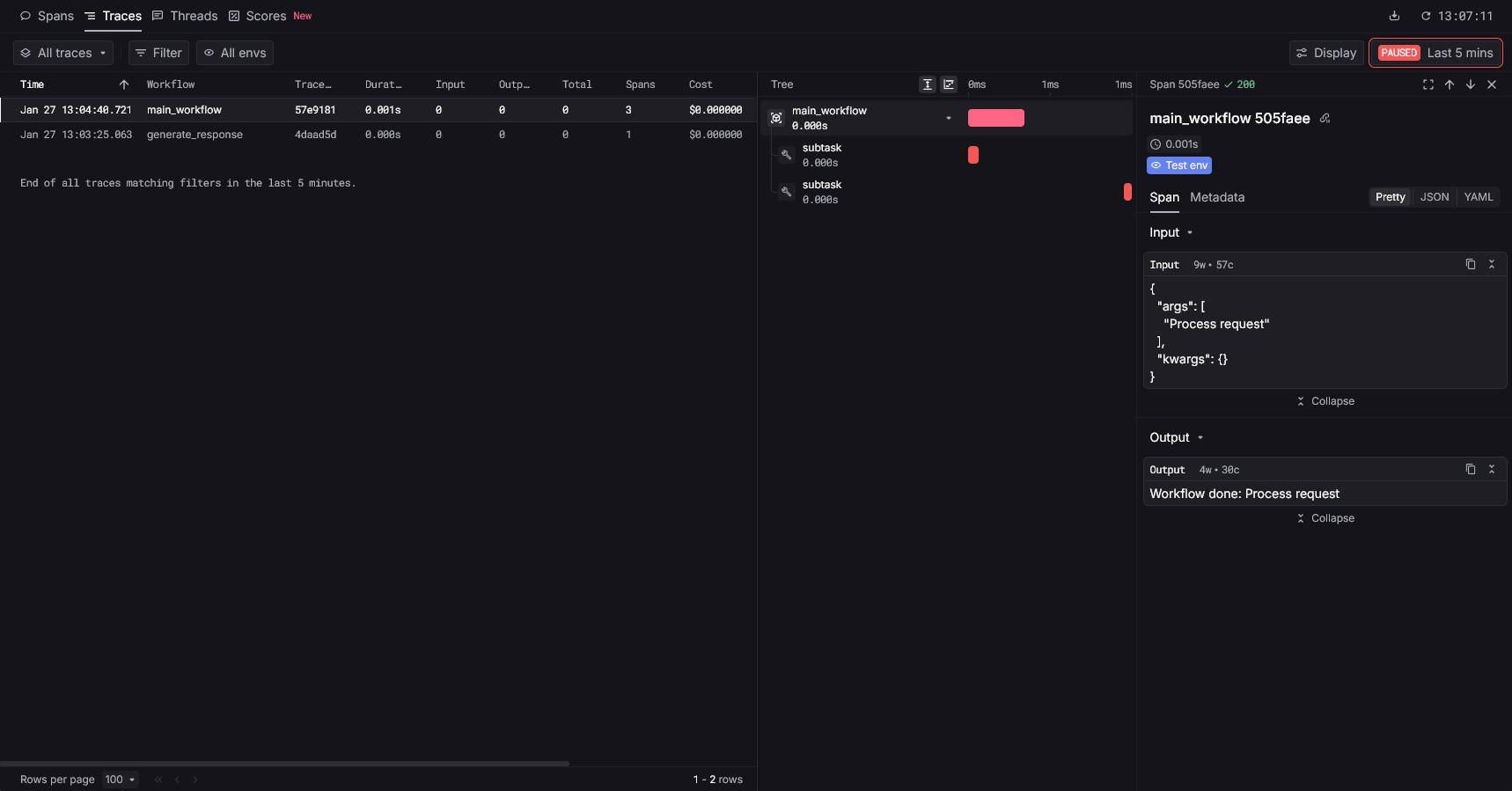
Instrument before importing Langfuse so the HTTP client is patched.
Overview
Use the Keywords AI Langfuse instrumentor to redirect Langfuse traces to Keywords AI without changing your Langfuse usage. You can keep using@observe and the Langfuse SDK as usual.
Quickstart
Step 1: Get a Keywords AI API key
Create an API key in the Keywords AI dashboard.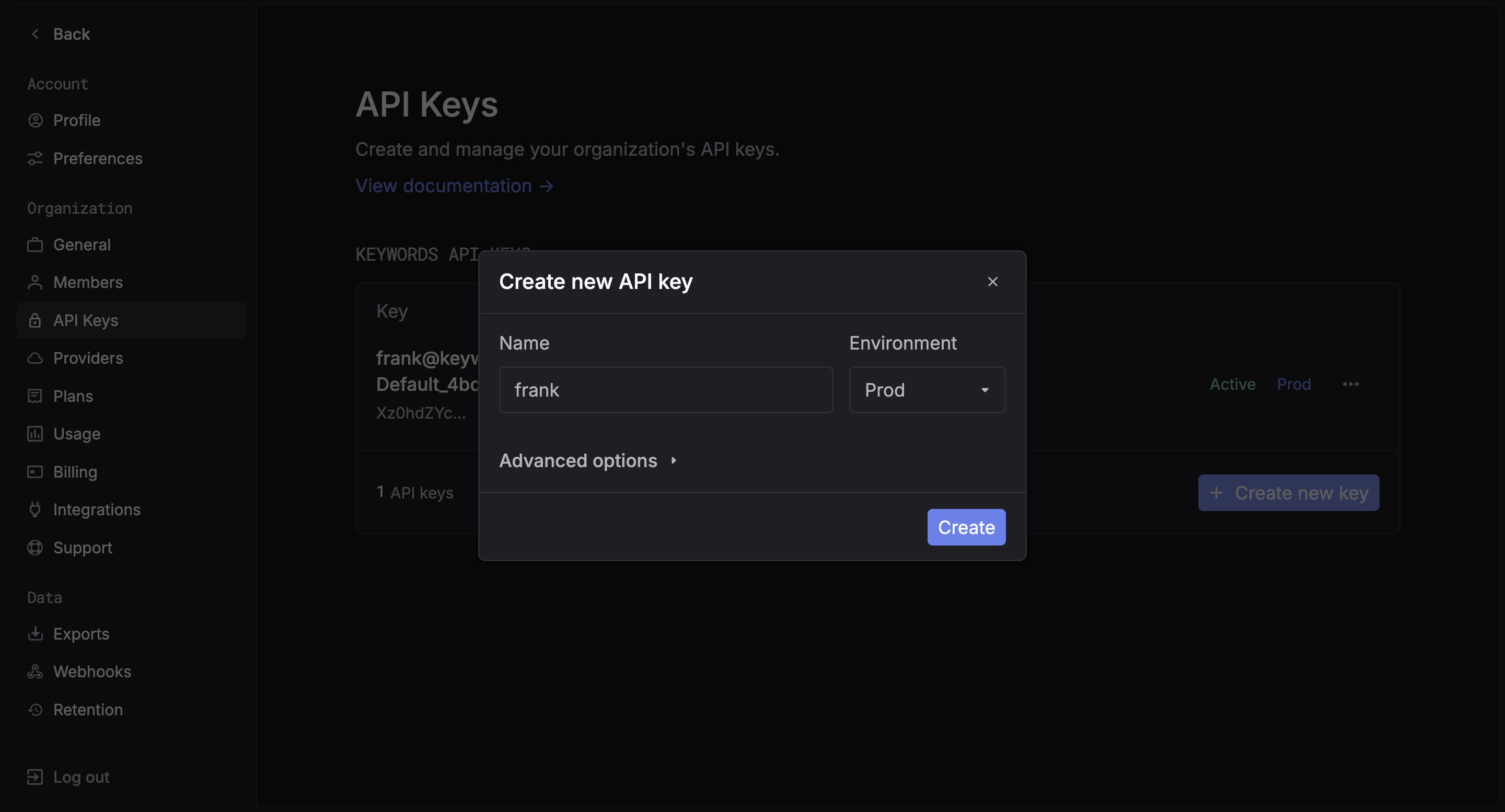
Step 2: Install packages
Step 3: Set environment variables
Create a.env or export environment variables:
.env
Examples
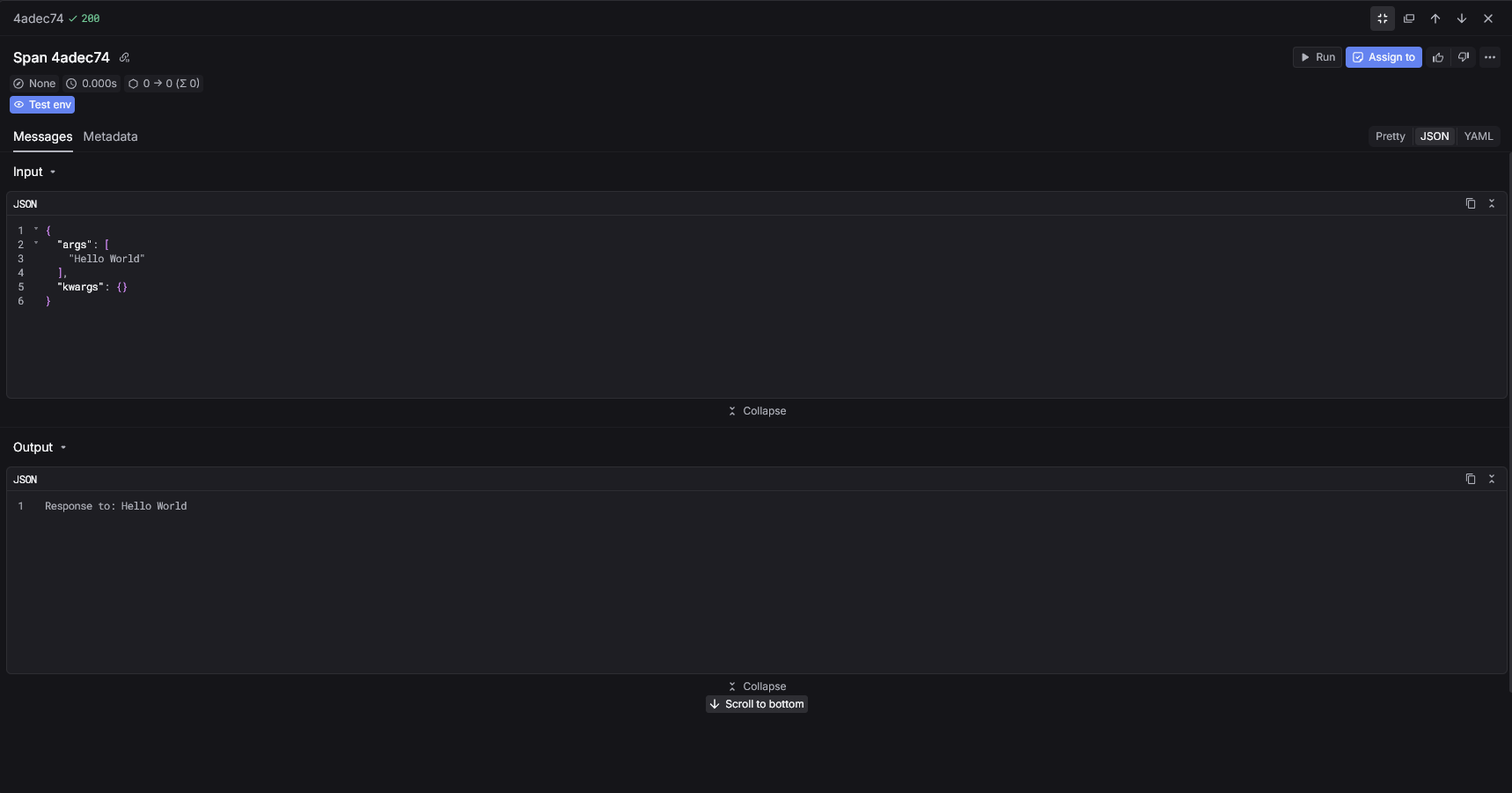
Below are three common Langfuse patterns using the Keywords AI instrumentor.Basic decorator
Instrument the Langfuse client and use@observe.
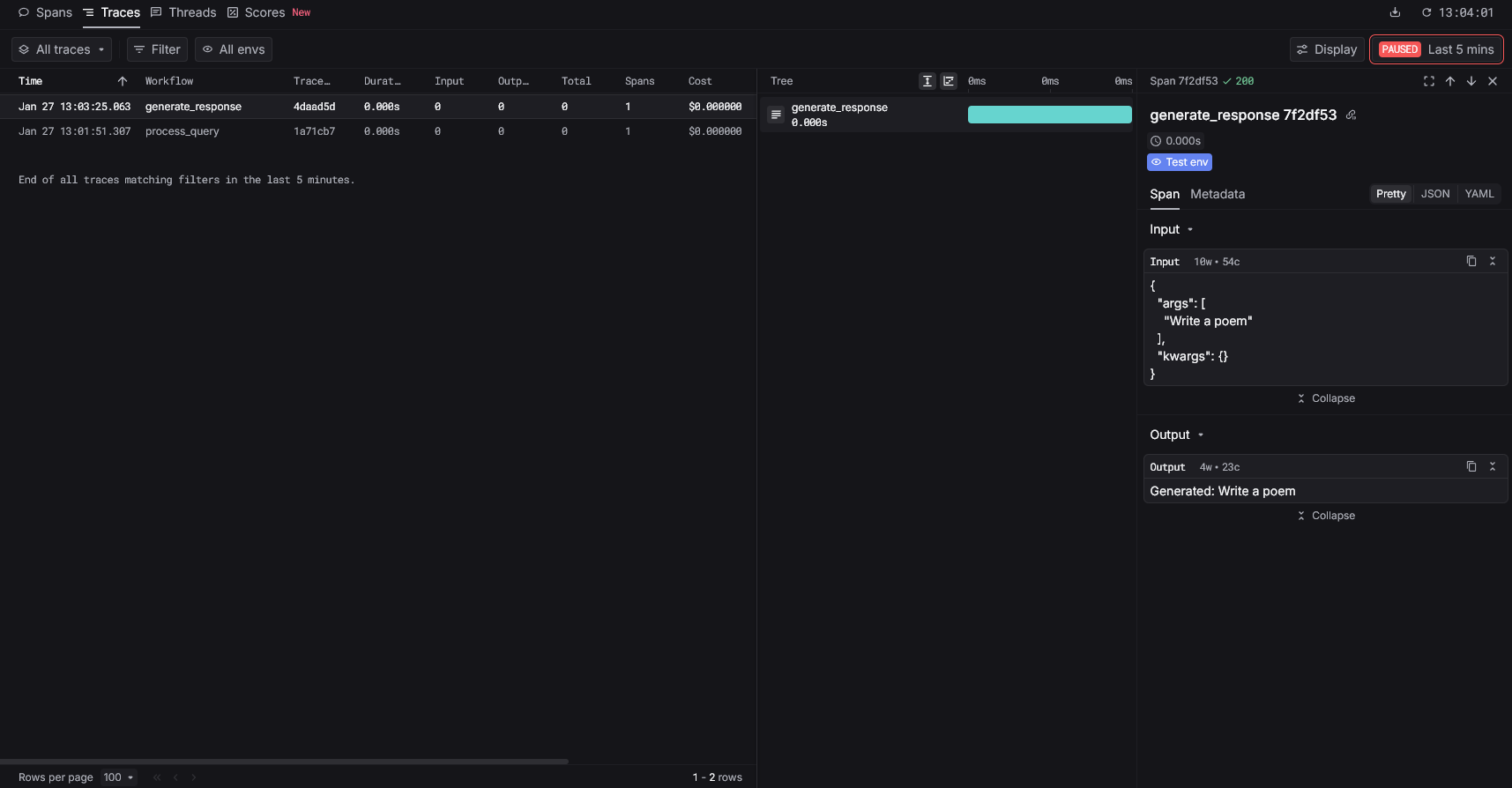
Generation tracing
Mark a function as a generation with@observe(as_type="generation").
Nested traces
Create parent-child relationships with nested@observe functions.