

This integration is for the Keywords AI gateway.
1. Get Keywords AI API key
After you create an account on Keywords AI, you can get your API key from the API keys page.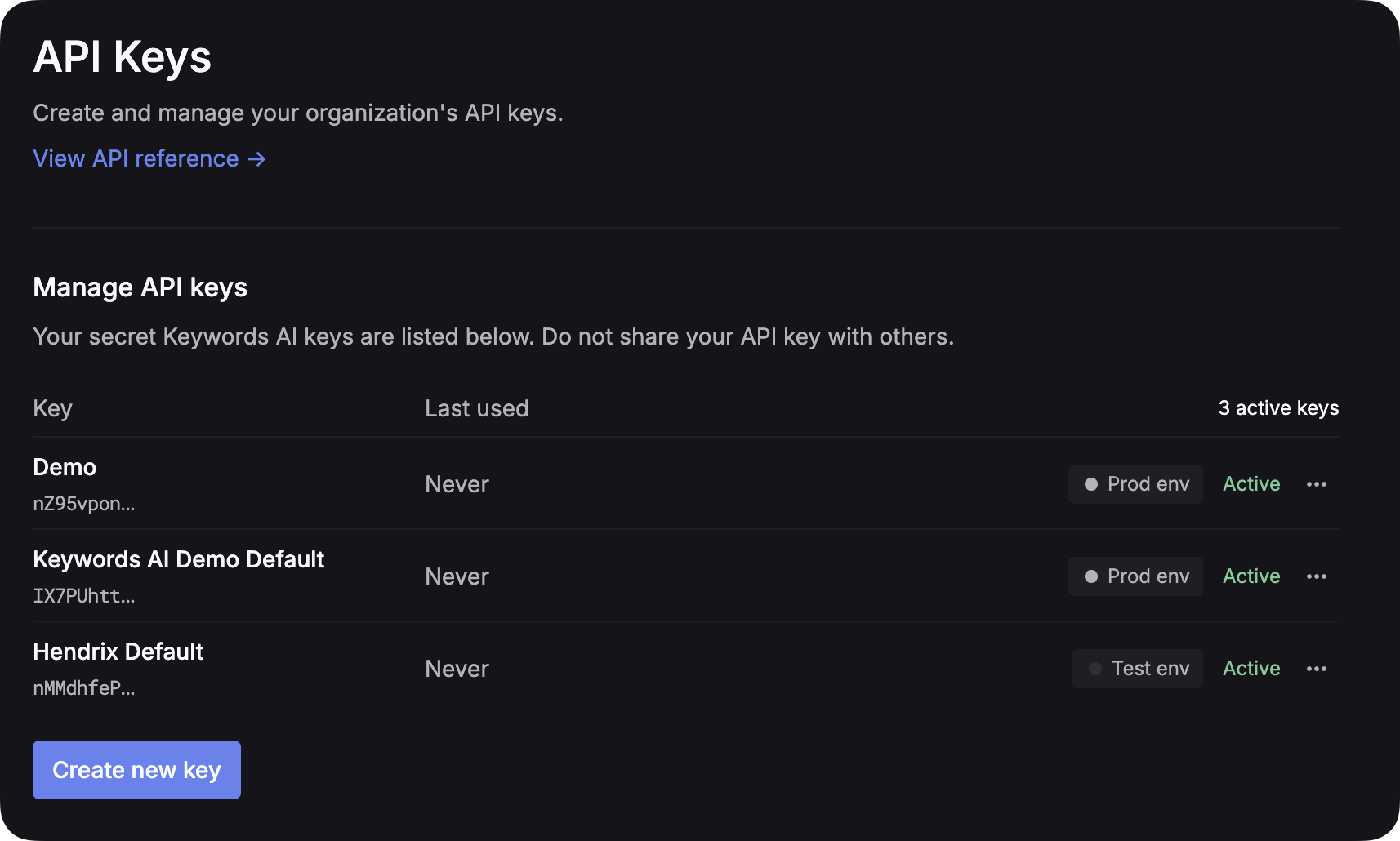
2. Add provider credentials
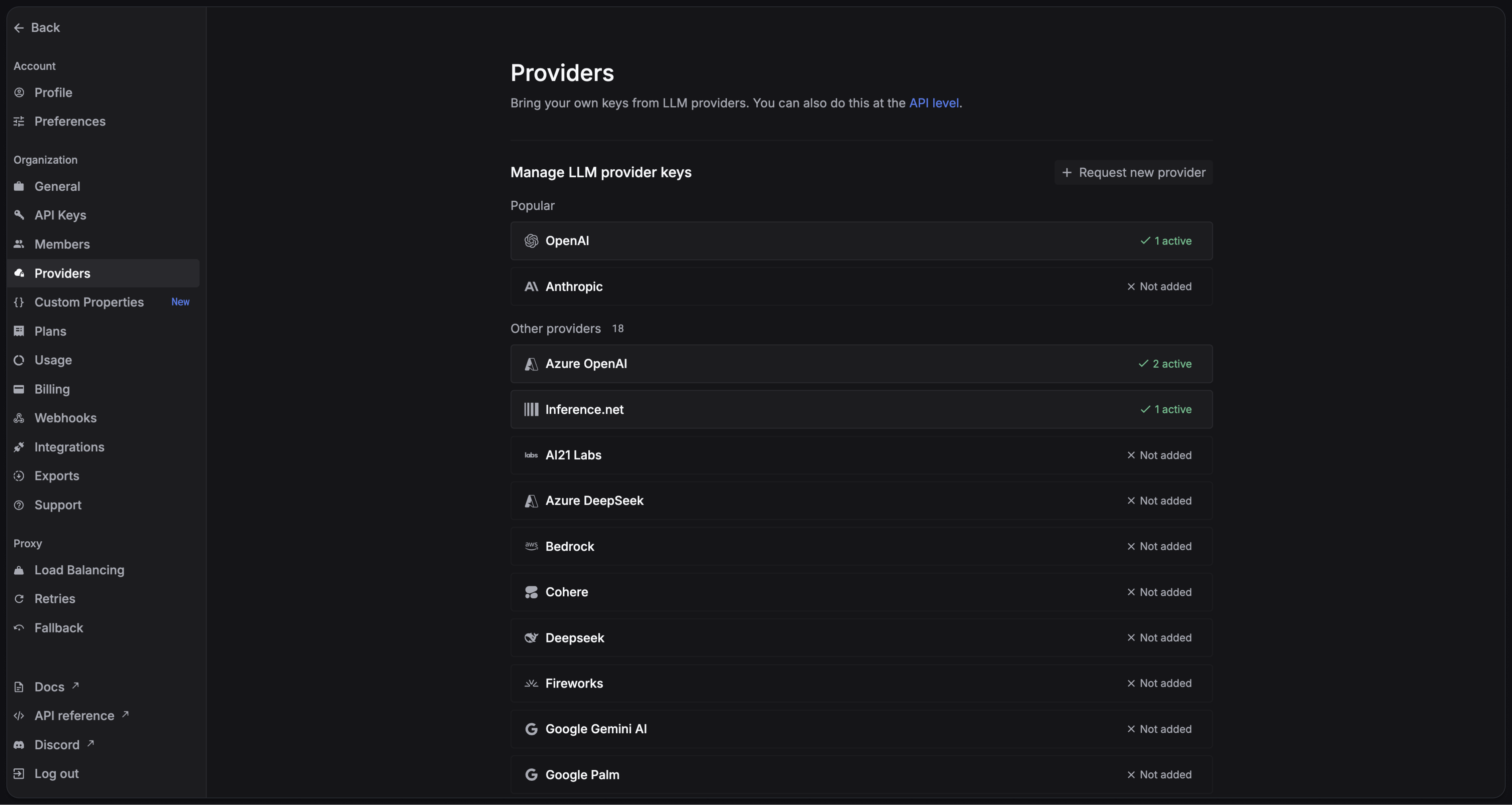
You have to add your own credentials to activate AI gateway otherwise your LLM calls will cause errors. We will use your credentials to call LLMs on your behalf. We won’t use your credentials for any other purposes and no extra charges will be applied. Go to the Providers page to add your credentials.
3. Compatibility at a glance
4. Integrate Keywords AI gateway
- OpenAI
- Anthropic
- Google Gemini
Here’s an example of how to use the Vercel AI SDK with OpenAI:Here is an example of using the Vercel AI SDK with response API.You can find the full source code for this example on GitHub: TypeScript Example
TypeScript
5. Add Keywords AI parameters
Adding Keywords AI parameters to the Vercel AI SDK is different than other frameworks. Here is an example of how to do it:1
Specify Keywords AI params in an object
You should create an object with the Keywords AI parameters you want to use. Add parameters you want to use as keys in the object.
2
Encode the object as a string
You should encode the object as a string and then you can send it as a header in your request.
3
Add the header to your request
You should send it in the
X-Data-Keywordsai-Params header.4
Full example