

This integration is for the Keywords AI gateway.
Overview
RubyLLM is a delightful Ruby gem that provides a unified interface for interacting with AI models from OpenAI, Anthropic, Google, and more. By pointing RubyLLM’s OpenAI-compatible endpoint to Keywords AI, you get automatic logging, analytics, fallbacks, and access to 250+ models through a single API key.Quickstart
Step 1: Get a Keywords AI API key
Create an API key in the Keywords AI dashboard.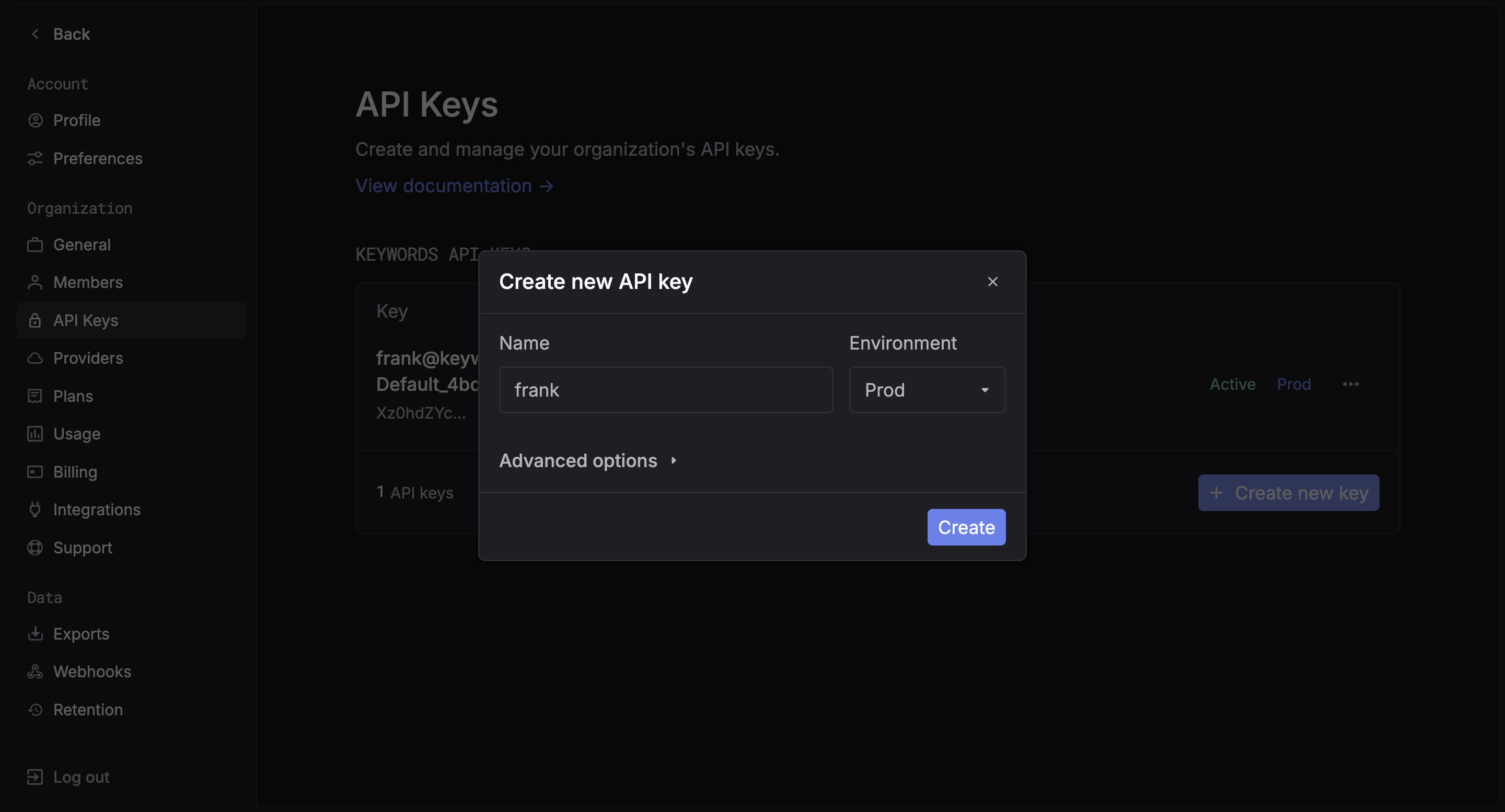
Step 2: Install RubyLLM
Add to your Gemfile:Step 3: Configure RubyLLM
Point RubyLLM to the Keywords AI gateway by setting theopenai_api_base and openai_api_key:
Step 4: Make Your First Request
Step 5: See your log on platform
Switch models
Since all requests go through the Keywords AI gateway, you can use any of the 250+ supported models by changing the model name:See the full model list for all available models.
Streaming
Rails integration
For Rails applications, configure RubyLLM in an initializer:View your analytics
Access your Keywords AI dashboard to see detailed analytics
Next Steps
Advanced settings
Track user behavior and patterns
Prompt Management
Manage and version your prompts