Documentation Index
Fetch the complete documentation index at: https://docs.keywordsai.co/llms.txt
Use this file to discover all available pages before exploring further.
This integration is only for
Agent tracing. If you are looking for the OpenAI integration with the AI gateway, please see the
OpenAI integration.
The OpenAI Agents SDK is a lightweight yet powerful framework for building multi-agent workflows in JavaScript/TypeScript.
- Agents: LLMs configured with instructions, tools, and guardrails
- Handoffs: Transfer control between specialized agents
- Guardrails: Safety checks for input and output validation
- Tracing: Built-in tracking of agent runs for debugging and optimization
Getting started
Prerequisites
Install the required dependencies:
npm install @openai/agents
npm install @keywordsai/exporter-openai-agents
For function calling examples, also install:
Set up your environment variables in a .env file:
OPENAI_API_KEY=YOUR_OPENAI_API_KEY
KEYWORDSAI_API_KEY=YOUR_KEYWORDSAI_API_KEY
KEYWORDSAI_BASE_URL=https://api.keywordsai.co/api
If you are on the enterprise platform, please use the enterprise endpoint plus the suffix.
Hello world
import { Agent, BatchTraceProcessor, run, setTraceProcessors, withTrace } from '@openai/agents';
import { KeywordsAIOpenAIAgentsTracingExporter } from '@keywordsai/exporter-openai-agents';
setTraceProcessors([
new BatchTraceProcessor(
new KeywordsAIOpenAIAgentsTracingExporter(),
),
]);
async function main() {
const agent = new Agent({
name: 'Assistant',
instructions: 'You only respond in haikus.',
});
const result = await withTrace('Hello World', async () => {
return run(agent, 'Tell me about recursion in programming.');
});
console.log(result.finalOutput);
}
main().catch(console.error);
Run the example:
Full example
Here’s a more comprehensive example with multiple agents:
import { Agent, BatchTraceProcessor, run, setTraceProcessors, withTrace } from '@openai/agents';
import { KeywordsAIOpenAIAgentsTracingExporter } from '@keywordsai/exporter-openai-agents';
setTraceProcessors([
new BatchTraceProcessor(
new KeywordsAIOpenAIAgentsTracingExporter(),
),
]);
const agent = new Agent({
model: "gpt-4o-mini",
name: "Apple Agent",
instructions: "You are a helpful assistant who knows about apples.",
});
const secondAgent = new Agent({
model: "gpt-4o-mini",
name: "Banana Agent",
instructions: "You are a helpful assistant who knows about bananas.",
});
async function main() {
await withTrace("My Trace", async () => {
const response = await run(agent, "Hello, what fruit do you like?");
console.log(response.finalOutput);
const secondResponse = await run(secondAgent, "Hello, what fruit do you like?");
console.log(secondResponse.finalOutput);
});
}
main().catch(console.error);
Run the example:
Advanced features
You can add custom metadata (properties) to your traces for better tracking and debugging:
import { Agent, BatchTraceProcessor, run, setTraceProcessors, withTrace } from '@openai/agents';
import { KeywordsAIOpenAIAgentsTracingExporter } from '@keywordsai/exporter-openai-agents';
setTraceProcessors([
new BatchTraceProcessor(
new KeywordsAIOpenAIAgentsTracingExporter(),
),
]);
const agent = new Agent({
model: "gpt-4o-mini",
name: "Apple Agent",
instructions: "You are a helpful assistant who knows about apples.",
});
const secondAgent = new Agent({
model: "gpt-4o-mini",
name: "Banana Agent",
instructions: "You are a helpful assistant who knows about bananas.",
});
async function main() {
await withTrace("My Trace", async () => {
const response = await run(agent, "Hello, what fruit do you like?");
console.log(response.finalOutput);
const secondResponse = await run(secondAgent, "Hello, what fruit do you like?");
console.log(secondResponse.finalOutput);
}, {
metadata: {
foo: "bar",
}
});
}
main().catch(console.error);
Run the example:
npx tsx metadata-example.ts
Function Calling
Agents can use tools to perform specific tasks. Here’s an example with a weather tool:
import { Agent, BatchTraceProcessor, run, setTraceProcessors, tool, withTrace } from '@openai/agents';
import { KeywordsAIOpenAIAgentsTracingExporter } from '@keywordsai/exporter-openai-agents';
import { z } from 'zod';
setTraceProcessors([
new BatchTraceProcessor(
new KeywordsAIOpenAIAgentsTracingExporter(),
),
]);
const getWeather = tool({
name: 'get_weather',
description: 'Get the weather for a city.',
parameters: z.object({ city: z.string() }),
execute: async ({ city }): Promise<{ city: string; temperatureRange: string; conditions: string }> => {
return {
city,
temperatureRange: '14-20C',
conditions: 'Sunny with wind.',
};
},
});
const agent = new Agent({
name: "Hello world",
instructions: "You are a helpful agent.",
tools: [getWeather],
});
async function main() {
const result = await withTrace("What's the weather in Tokyo?", async () => {
return run(agent, "What's the weather in Tokyo?");
});
console.log(result.finalOutput);
}
main().catch(console.error);
Run the example:
Agent Handoffs
Agents can hand off conversations to other specialized agents based on context:
import { Agent, BatchTraceProcessor, run, setTraceProcessors, withTrace } from '@openai/agents';
import { KeywordsAIOpenAIAgentsTracingExporter } from '@keywordsai/exporter-openai-agents';
setTraceProcessors([
new BatchTraceProcessor(
new KeywordsAIOpenAIAgentsTracingExporter(),
),
]);
const spanish_agent = new Agent({
name: "Spanish agent",
instructions: "You only speak Spanish.",
});
const english_agent = new Agent({
name: "English agent",
instructions: "You only speak English",
});
const triage_agent = new Agent({
name: "Triage agent",
instructions: "Handoff to the appropriate agent based on the language of the request.",
handoffs: [spanish_agent, english_agent],
});
async function main() {
const result = await withTrace("Handoff Example", async () => {
return run(triage_agent, "Hola, ¿cómo estás?");
});
console.log(result.finalOutput);
}
main().catch(console.error);
Run the example:
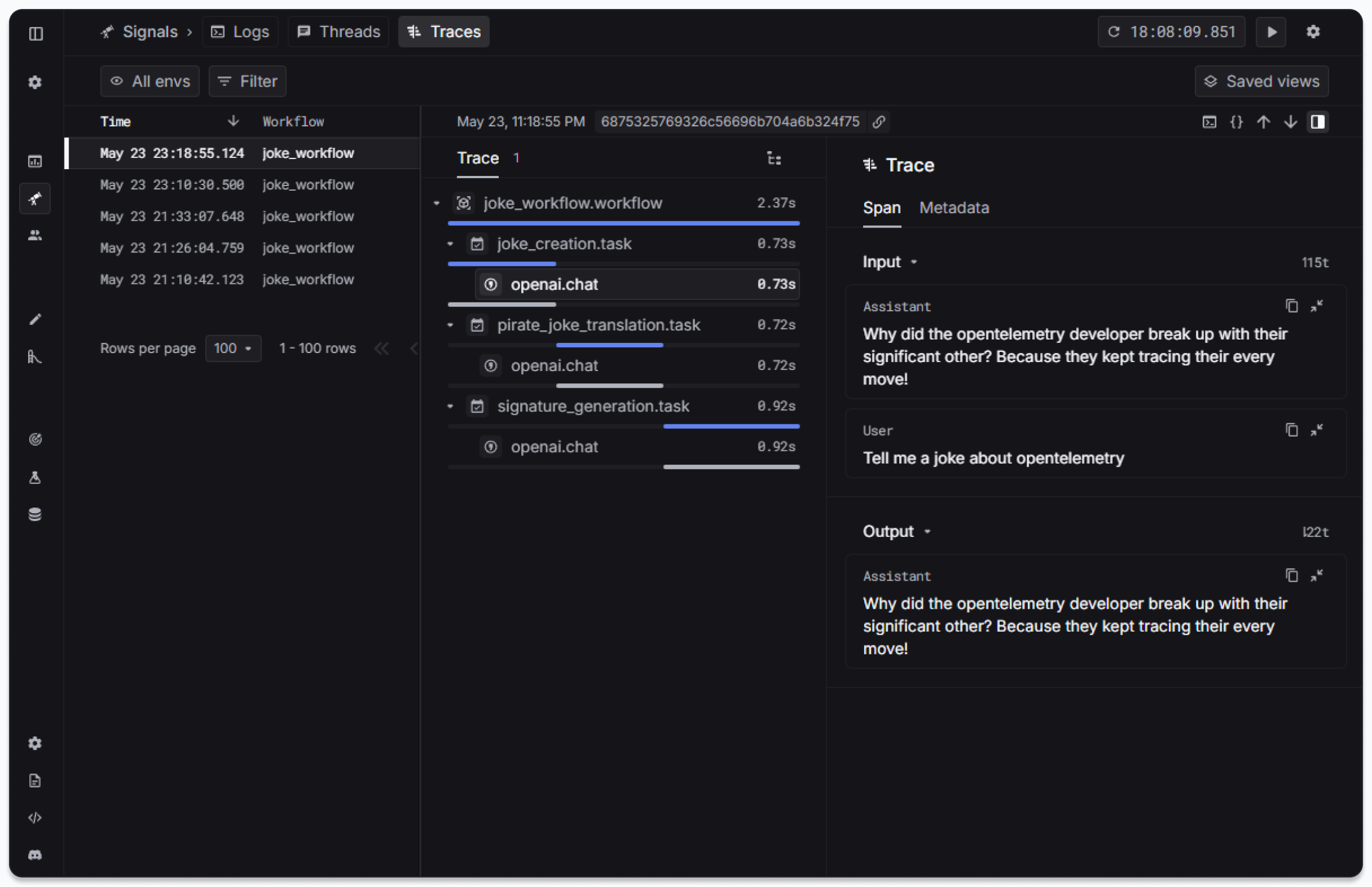
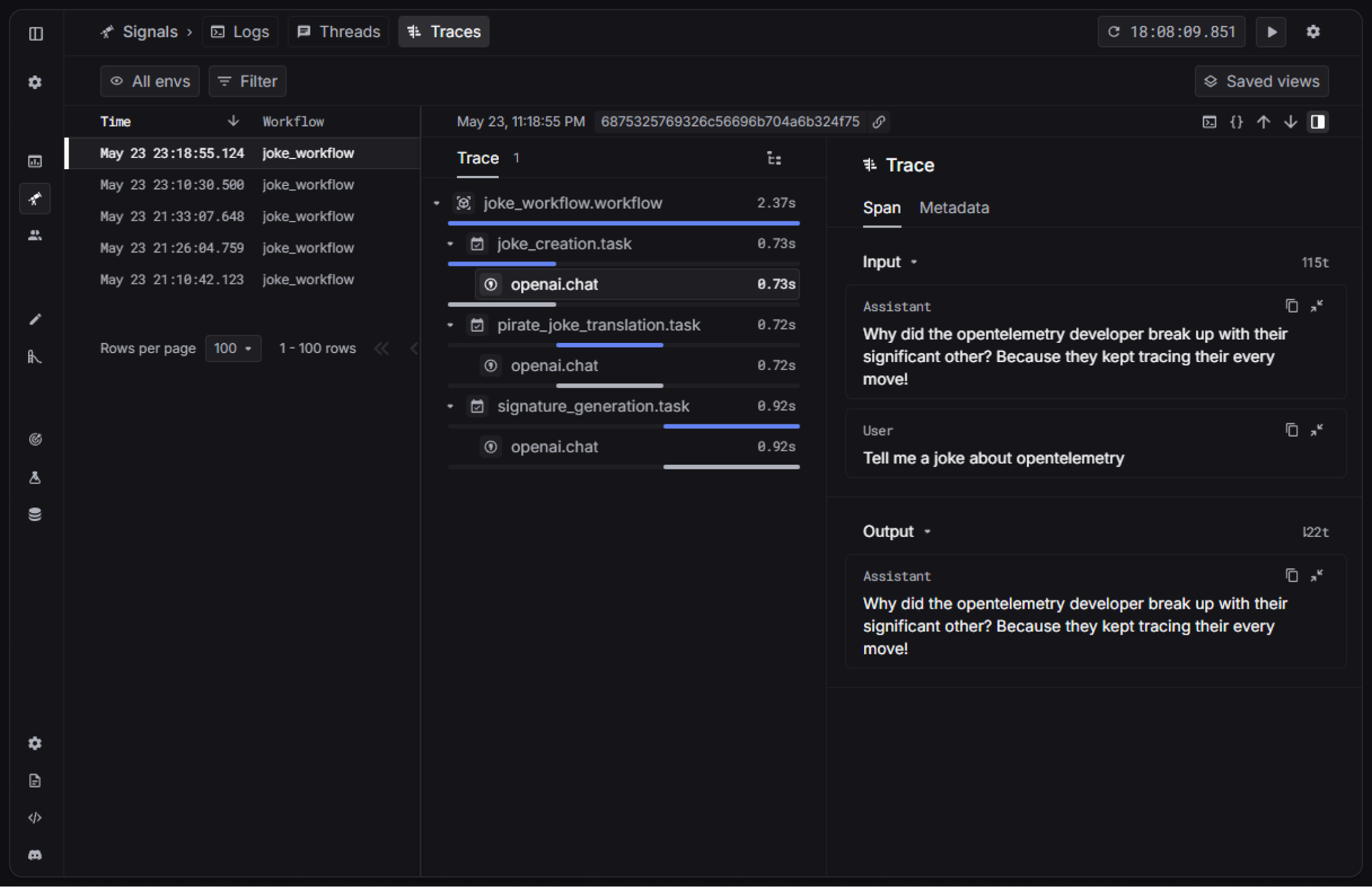
The resulting trace root span will have the custom properties visible in the Keywords AI platform: